10 Transactional Email Best Practices for 2025
Master these 10 transactional email best practices to improve deliverability, engagement, and customer trust. Boost your Shopify store's performance now.

Every Shopify store relies on a series of automated, high-stakes messages: order confirmations, shipping updates, and password resets. These are your transactional emails, the digital handshakes that build trust and guide customers through their journey. While marketing campaigns often get the spotlight, neglecting these critical communications can lead to lost revenue, frustrated customers, and a damaged brand reputation. Getting these right is not just about function; it's about solidifying the customer relationship at its most crucial moments.
Many merchants treat these emails as simple receipts, overlooking their potential to enhance the customer experience and reinforce brand value. An unbranded, confusing, or delayed shipping notification can cause more anxiety than excitement. A poorly designed password reset email can prevent a customer from making a purchase altogether. This guide provides a comprehensive checklist of transactional email best practices to prevent these common pitfalls. We will cover everything from deliverability and design to legal compliance and personalization, transforming these functional messages into powerful assets for your business.
To truly ensure your emails aren't overlooked and maximize their impact, a foundational understanding of general email marketing best practices provides a great starting point for both promotional and transactional content. In this article, we’ll dive deeper into the specific, high-stakes world of transactional messages. You’ll learn actionable strategies with specific tips on how tools like Email Wiz can automate this process, ensuring every email you send hits the mark, builds trust, and strengthens your customer relationships for long-term growth.
1. Implement Clear and Recognizable Sender Identity
The first impression of your transactional email happens before your customer even opens it: in the inbox. Establishing a clear, consistent, and recognizable sender identity is a foundational transactional email best practice because it directly builds trust and ensures immediate recognition. When a customer receives an order confirmation, they expect to see your brand name, not a generic or confusing address. A strong sender identity signals legitimacy, reassures the customer, and significantly reduces the risk of your critical communications being overlooked or flagged as spam.
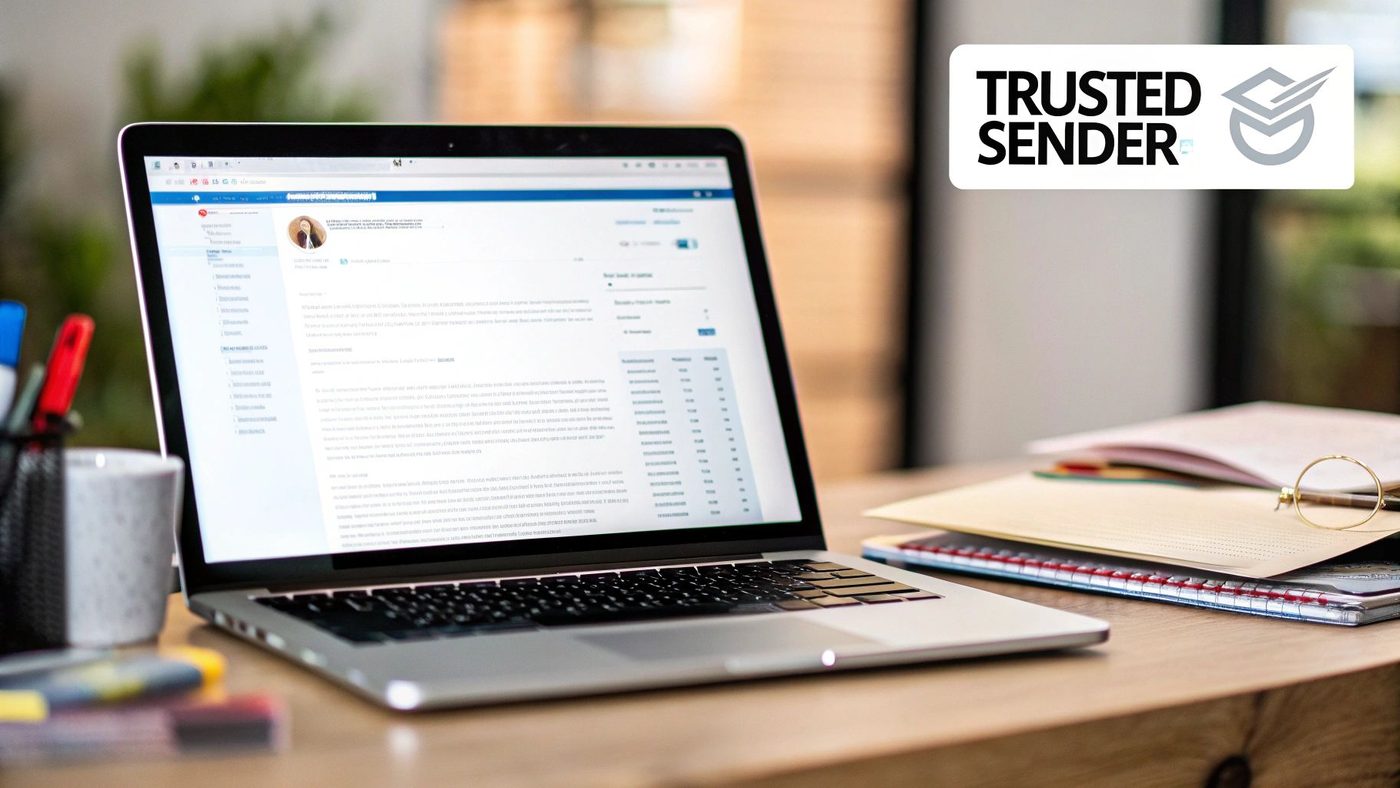
This practice is crucial because inbox providers and users alike rely on sender information to filter out suspicious messages. A familiar "From" name, paired with an official domain, acts as a digital handshake, instantly validating the email's authenticity.
Why It Works and When to Use It
A clear sender identity is non-negotiable for all transactional emails. From the moment a customer signs up or makes a purchase, your sender details should remain consistent. This consistency is key to conditioning customers to recognize and engage with your messages.
For example, a customer who just spent money on your Shopify store is actively looking for their order confirmation. Seeing your store name, like "Luxe Candle Co.," as the sender provides immediate relief and confirmation. Conversely, an email from an address like creates confusion and suspicion, potentially leading to the email being ignored or deleted.
Actionable Implementation Tips
To solidify your sender identity and improve engagement, follow these specific steps:
- Use Your Brand Name as the Sender Name: Set your "From" name to your recognizable company name (e.g., "Peak Performance Gear" instead of "Sales Dept"). This is the most visible element in the inbox.
- Avoid "No-Reply" Addresses: Use an address that can receive replies, like or . This makes your brand feel more accessible and human, encouraging communication if customers have issues.
- Authenticate Your Domain: Ensure your sending domain is properly authenticated with SPF, DKIM, and DMARC records. This is a technical step that proves to email providers that you are a legitimate sender, which is vital for deliverability.
- Maintain Visual Consistency: Include your logo prominently at the top of every email. This visual cue reinforces your brand identity the moment the email is opened.
Email Wiz Tip: Inside your Email Wiz dashboard, you can easily set a default sender name and email address that applies to all automated transactional emails. Navigate to Settings > Sender Information and input your branded details. This ensures every order confirmation, shipping update, and password reset email is sent from a consistent and trustworthy source, enhancing your brand's professionalism.
2. Optimize for Mobile and Responsive Design
In today's on-the-go world, your customer's first interaction with a transactional email will most likely be on their smartphone. Optimizing for mobile and responsive design is a critical transactional email best practice because it guarantees a seamless, positive experience regardless of the device. A responsive email automatically adjusts its layout, text size, and buttons to fit any screen, ensuring that crucial information like order details or shipping updates is always clear and accessible.
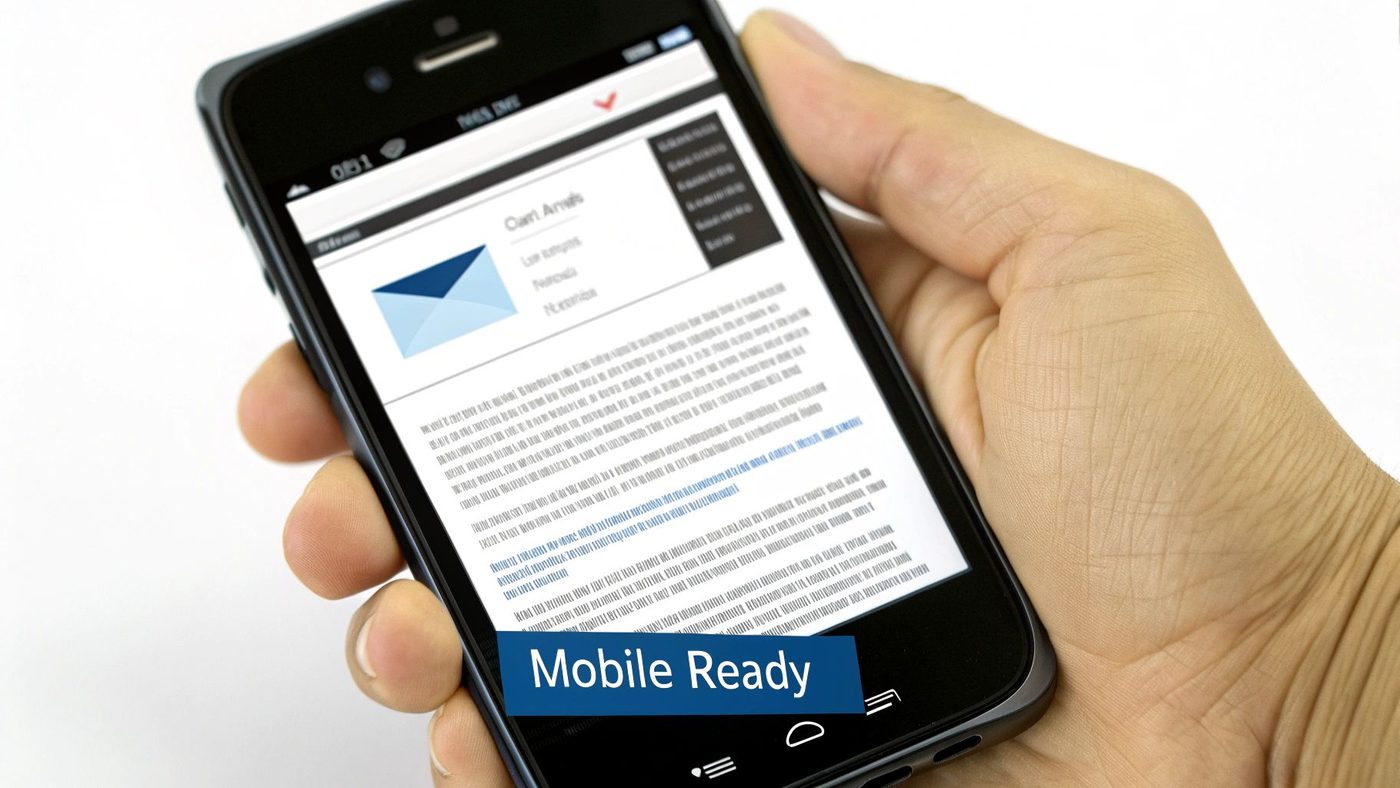
This practice is essential because a poorly formatted email on a mobile device can frustrate users, making it difficult for them to complete key actions like tracking a package or resetting a password. With a significant portion of all emails being opened on mobile, a non-responsive design can directly harm customer satisfaction and engagement.
Why It Works and When to Use It
Responsive design is a mandatory consideration for every transactional email you send. Customers check order confirmations on their commute, view shipping alerts while running errands, and request password resets from their phones. If the text is too small to read or the buttons are too tiny to tap, you create an unnecessary point of friction.
For example, an Airbnb booking confirmation that is perfectly formatted for mobile allows a traveler to quickly access their itinerary. Similarly, a Shopify order confirmation with a large, tappable "View Your Order" button makes it effortless for a customer to check their purchase details. Failing to optimize for this experience undermines the email's primary purpose and reflects poorly on your brand's attention to detail.
Actionable Implementation Tips
To ensure your emails look great and function perfectly on every screen, follow these specific steps:
- Use a Single-Column Layout: A single-column structure is the simplest way to ensure content stacks vertically and remains readable on narrow mobile screens.
- Make Buttons Tappable: Design call-to-action buttons with a minimum size of 44x44 pixels. This makes them easy for users to tap with a thumb without accidentally hitting other links.
- Prioritize Readability: Use a legible font size (at least 14-16px for body text) and ensure high contrast between the text and background to improve readability on smaller screens.
- Compress Your Images: Optimize image file sizes to ensure they load quickly, even on slower mobile data connections. Slow-loading emails often lead to abandonment.
- Test Across Devices: Always test your emails on popular mobile clients like the Gmail app, iOS Mail, and Outlook for mobile to catch and fix any rendering issues before sending.
Email Wiz Tip: All default templates within Email Wiz are built with a mobile-first approach, ensuring they are fully responsive out of the box. When customizing your templates in the drag-and-drop editor, use the "Mobile Preview" toggle to instantly see how your changes will look on a smaller screen. This feature helps you guarantee a flawless user experience for every customer, on any device.
3. Include Clear and Actionable Call-to-Action (CTA) Buttons
While a transactional email's primary purpose is to inform, its job doesn't end there. A crucial transactional email best practice is to guide the customer to their next logical step with a clear, prominent Call-to-Action (CTA). A well-designed CTA button transforms a passive notification into an interactive part of the customer journey. It eliminates friction and helps users effortlessly complete necessary actions, whether that's tracking a package, confirming an account, or viewing a receipt.
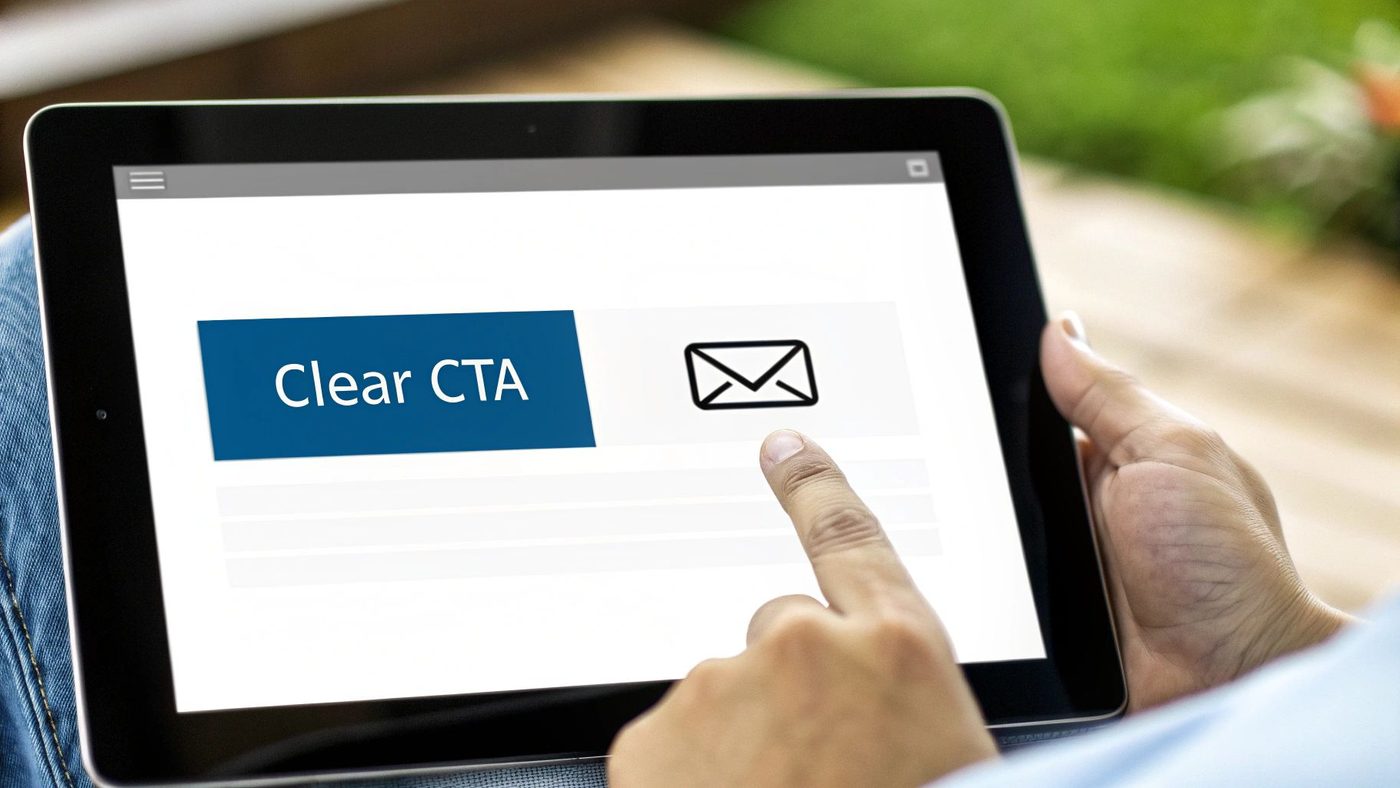
This practice is essential because users scan emails for key information. A visually distinct button immediately draws their attention and communicates the single most important action they should take. In a password reset email, for example, the "Reset Your Password" button is the entire reason for the communication.
Why It Works and When to Use It
Clear CTAs should be used in nearly every transactional email that has a next step for the user. From account verification and password resets to order confirmations and shipping updates, the goal is to provide a direct path to the relevant destination.
For instance, a customer receiving a shipping notification is most interested in one thing: where their package is. A large, brightly colored button that says "Track Your Order" provides an instant, one-click solution. In contrast, embedding a tracking number in a dense paragraph of text forces the customer to copy it, open a new tab, find the carrier's website, and paste it in. The clear CTA removes all of this work, creating a much better user experience.
Actionable Implementation Tips
To create CTAs that drive action and improve the customer experience, follow these specific steps:
- Use Action-Oriented Verbs: Start your CTA copy with a strong verb that tells the user exactly what to do. Use phrases like "Track Your Shipment," "View Your Order," or "Confirm Your Email."
- Design for Visibility: Make your CTA a button with a background color that contrasts sharply with the email's background. This ensures it stands out and doesn't get lost in the text.
- Prioritize Mobile-Friendliness: Ensure your buttons are at least 44x44 pixels. This size makes them easy to tap on a mobile device without accidental clicks.
- Place the CTA Prominently: Position your primary CTA "above the fold" so users can see and click it without having to scroll.
Email Wiz Tip: With Email Wiz's drag-and-drop editor, you can easily add and customize high-visibility CTA buttons. Simply drag the 'Button' block into your email template, then adjust the text, color, and link in the settings panel. This allows you to apply these best practices in seconds, ensuring every transactional email is clear, actionable, and effective.
4. Authenticate Emails with SPF, DKIM, and DMARC
Beyond just who your emails come from, inbox providers need technical proof that your messages are legitimate. Email authentication protocols like SPF, DKIM, and DMARC provide this verification, acting as a digital passport for your transactional emails. This is a non-negotiable transactional email best practice because it proves your emails are genuinely from your domain, preventing spoofing and drastically improving deliverability. Without proper authentication, your critical order confirmations and shipping updates are far more likely to land in the spam folder.
These technical standards are essential for building and protecting your sender reputation. Major providers like Google and Microsoft now have strict authentication requirements, making these protocols a foundational element for anyone who wants to reliably reach their customers' inboxes.
Why It Works and When to Use It
Email authentication should be configured before you send any emails and applied to all outgoing messages. These protocols work behind the scenes to build trust with receiving mail servers. SPF (Sender Policy Framework) specifies which mail servers are authorized to send email on your domain’s behalf. DKIM (DomainKeys Identified Mail) adds a digital signature to your emails, verifying that the content hasn't been tampered with.
DMARC (Domain-based Message Authentication, Reporting, and Conformance) then tells receiving servers what to do with emails that fail SPF or DKIM checks, such as sending them to spam or rejecting them outright. Implementing DMARC is crucial for protecting your brand from being impersonated in phishing attacks.
Actionable Implementation Tips
To properly secure your sending domain and boost deliverability, follow these technical steps:
- Set Up Your SPF Record: Create a TXT record in your DNS settings that lists all the services and IP addresses authorized to send emails for your domain (e.g., Shopify, Email Wiz, Google Workspace).
- Enable DKIM Signing: For each sending service you use, generate a DKIM key and add it to your DNS records. This enables the cryptographic signature on all outgoing emails.
- Implement a DMARC Policy: Start with a monitoring policy () to collect data. Once you are confident that all legitimate mail is authenticated, move to a stricter policy like or to protect your domain.
- Align Your Domains: Ensure the "From" domain that customers see is the same one you are authenticating with SPF and DKIM. Misalignment can cause authentication failures.
Email Wiz Tip: Email Wiz simplifies email authentication for your Shopify store. In the setup wizard, we provide you with the exact CNAME records needed for your domain. Simply copy and paste these records into your domain provider's DNS settings to fully authenticate with SPF and DKIM, ensuring your transactional emails have the best possible chance of reaching the inbox.
5. Provide Clear Unsubscribe and Preference Options
While transactional emails are sent in response to a user's action and often exempt from certain marketing regulations, providing clear opt-out and preference management options is a critical best practice. It demonstrates respect for your customer's inbox, builds long-term trust, and ensures compliance with global privacy laws like GDPR. By giving users control, you reduce the likelihood of them marking your emails as spam, which can severely damage your sender reputation.
Transactional email best practices are essential because they shift the power to the customer. Instead of a frustrating, all-or-nothing relationship, you offer a flexible dialogue about how and when you communicate. This transparency is a hallmark of a customer-centric brand and a key component of modern transactional email best practices.
Why It Works and When to Use It
Providing clear communication controls is vital for all transactional emails, though the implementation may vary. While you can't allow users to opt out of legally required messages like order receipts, you can offer them control over non-essential notifications like shipping updates, review requests, or account activity alerts.
For example, a customer might find daily shipping status updates overwhelming but still want their initial order confirmation. A preference center allows them to disable the former without losing the latter. Similarly, platforms like LinkedIn and GitHub master this by providing granular controls, letting users choose which specific transactional notifications they receive, thereby enhancing user experience and reducing inbox fatigue.
Actionable Implementation Tips
To empower your users and protect your sender reputation, implement these clear communication options:
- Link to a Preference Center: Instead of a simple "Unsubscribe" link, direct users to a preference center where they can opt-out of specific email categories (e.g., shipping updates, back-in-stock alerts) while still receiving critical receipts.
- Explain the Email's Purpose: Include a brief, clear sentence in the footer explaining why they are receiving the email (e.g., "You are receiving this because you placed an order at our store."). This context reduces spam complaints.
- Place Links in the Footer: Consistently place your "Manage Preferences" or "Unsubscribe" links in the email footer. This is standard practice, and users know to look there.
- Process Requests Promptly: Ensure that any opt-out or preference change is honored immediately or within the legally required timeframe (e.g., 10 business days for CAN-SPAM).
Email Wiz Tip: With Email Wiz, you can easily create and link to a communication preference center. In the footer module of our email editor, simply add a link to your Shopify customer notification settings page. This empowers customers to manage their non-essential transactional emails directly from any message you send, ensuring a better user experience and protecting your deliverability.
6. Personalize with Relevant Transaction Data
Generic templates undermine the very purpose of a transactional email, which is to confirm a specific action. Personalizing these emails with relevant transaction data is a critical best practice that transforms a simple notification into a valuable, trustworthy record for the customer. Including details like order numbers, purchased items, and total costs confirms the transaction was successful and provides an essential reference point. This level of detail reassures customers that you've correctly processed their specific action, building confidence and reducing post-purchase anxiety.
This practice is crucial because it meets a core customer expectation: validation. After completing a transaction, users are actively looking for confirmation that everything went through as expected. A detailed, personalized email serves as an official receipt and a single source of truth for their interaction with your brand.
Why It Works and When to Use It
Personalization with transaction data is essential for any email confirming a user-initiated action. This includes order confirmations, shipping updates, receipts, booking confirmations, and even password resets. The goal is to provide a clear, unambiguous summary of the transaction that just occurred.
For example, an Uber receipt that shows a generic "Your ride is complete" message is unhelpful. However, one that details the pickup and drop-off locations, trip duration, and a full fare breakdown is incredibly useful. Similarly, an Amazon order confirmation that lists each purchased item, its price, and the total amount paid provides immediate peace of mind. This data-driven approach turns a basic notification into an indispensable communication tool.
Actionable Implementation Tips
To effectively personalize your transactional emails, integrate the following data points:
- Include Unique Identifiers: Always display the order number, confirmation code, or ticket ID prominently. This is the first thing a customer will look for when contacting support.
- Show an Itemized Breakdown: For purchases, list each product, including its name, quantity, and price. For services, detail the specific service rendered and any associated fees.
- Display Key Dates and Amounts: Clearly state the transaction date, time, and the total amount charged. For shipping updates, provide estimated delivery dates.
- Protect Sensitive Information: When referencing payment methods, only show the last four digits of a credit card or the type of payment (e.g., "Paid with Visa **** 1234").
Email Wiz Tip: Email Wiz automatically pulls key transaction data directly from your Shopify store into your emails. In the email editor, you can use dynamic placeholders like , , and to instantly populate your order confirmations and shipping updates. This ensures every email is perfectly personalized without any manual effort, making your automated email flows both powerful and professional. For more ideas on using automation, explore these five automated email flows that can boost your Shopify sales.
7. Keep Subject Lines Clear, Concise, and Descriptive
The subject line is the gatekeeper to your transactional email's content. While these emails boast high open rates, a clear, concise, and descriptive subject line removes all friction and instantly tells the recipient why the message is important. This is a critical transactional email best practice because it directly addresses the user's immediate need or confirms a recent action, building confidence and ensuring they engage with the information inside. An effective subject line helps your email stand out in a crowded inbox and reassures the customer that their action was successful.
This practice is essential because users scan their inboxes looking for specific, expected information. A subject line like "Your Order Confirmation" is far more effective than a vague one like "A Message From Our Store." The former provides immediate value, while the latter creates unnecessary cognitive load and could be mistaken for marketing spam.
Why It Works and When to Use It
Clarity in the subject line is non-negotiable for every transactional email you send. Customers are actively looking for these messages post-interaction, so the subject line's primary job is to provide instant recognition and confirmation of purpose. It sets the expectation for the content within and makes the email easy to find later if needed for reference.
For instance, a customer who just reset their password needs to find that specific email quickly. A subject line like "Reset Your Peak Performance Gear Password" is direct and helpful. Similarly, "Your Airbnb Booking Confirmation: Reservation #ABC123" leaves no room for doubt. The goal is to eliminate guesswork and provide immediate, scannable information that serves the customer's intent.
Actionable Implementation Tips
To craft subject lines that boost clarity and user satisfaction, follow these specific steps:
- Lead with the Action or Status: Start your subject line with the most critical information, such as "Order Placed," "Your Shipment is on its Way," or "Please Confirm Your Email."
- Include Key Identifiers: When relevant, add specific details like an order number or reference ID (e.g., "Your Order #98765 Has Shipped"). This makes the email uniquely useful.
- Keep It Under 50 Characters: Aim for brevity to ensure the full subject line is visible on mobile devices, where a significant portion of emails are opened.
- Avoid Spammy Language: Steer clear of promotional words like "Free," "Urgent," or "Act Now." These can trigger spam filters and undermine the transactional nature of the message.
- Use Sentence Case: Write your subject lines in sentence case for a professional and easy-to-read appearance. Avoid using ALL CAPS, which can come across as shouting.
Email Wiz Tip: You can customize the subject lines for every automated email directly within the Email Wiz flow editor. Click on any email step, such as "Order Confirmation," and edit the subject line field. Use dynamic placeholders like to automatically insert specific details, ensuring every customer receives a personalized and highly descriptive subject line.
8. Design Consistent Email Templates and Branding
While the content of a transactional email is functional, its design is what solidifies your brand experience. Designing consistent, professional email templates is a crucial transactional email best practice because it transforms a simple notification into a cohesive part of your brand identity. It ensures every touchpoint, from an order receipt to a shipping update, looks and feels like it comes from your store, building visual recognition and reinforcing customer trust.
This practice is essential because inconsistent branding can feel jarring and unprofessional, potentially eroding the confidence a customer has in your business. A well-designed template acts as a familiar, reassuring container for critical information, making it easier for customers to digest the content and trust its source.
Why It Works and When to Use It
Consistent branding should be applied to every single transactional email you send, without exception. From the moment a user creates an account, every automated email they receive should align with your brand’s visual language. This creates a seamless customer journey that feels intentional and high-quality.
For instance, a customer who receives an order confirmation with your distinct logo, color palette, and typography feels a sense of continuity from their website experience. When their shipping notification arrives with the exact same branding, it reinforces that feeling of professionalism and reliability. This is how brands like Shopify and Stripe build user trust; their communications are instantly recognizable and consistently on-brand.
Actionable Implementation Tips
To implement consistent branding across your transactional emails, follow these guidelines:
- Create a Master Template: Design a primary template that includes a branded header with your logo and a footer with contact information and social links. This creates a consistent frame for all communications.
- Adhere to Your Style Guide: Consistently use your brand's official colors, typography, and logo placement. This ensures visual harmony with your website and other marketing materials.
- Use Modular Components: Build your templates with reusable sections or blocks for things like product details, order summaries, and calls to action. This saves time and ensures consistency when creating new email types.
- Maintain Visual Hierarchy: Use clear headings, consistent spacing, and a logical layout to guide the reader's eye to the most important information, like the order number or tracking link.
Email Wiz Tip: With Email Wiz, you can set your brand's logo, colors, and fonts in the Brand Kit settings. This automatically applies your visual identity across all transactional email templates, ensuring every email sent from your Shopify store is perfectly on-brand without any manual design work.
9. Provide Clear Contact Information and Support Resources
A transactional email's job doesn't end once the core message is delivered. What happens when a customer has a question about their order or encounters an issue? Providing easily accessible contact information and support resources is a crucial transactional email best practice that transforms a simple notification into a supportive customer experience. It demonstrates that you stand behind your communications and are ready to assist, which builds significant trust and reduces customer frustration.
This practice is essential because it anticipates customer needs and provides immediate solutions. Instead of forcing a customer to leave the email and search your website for help, you bring the solution directly to them. This proactive support minimizes friction, reduces the burden on your customer service team by directing users to self-service options, and reinforces a positive brand perception.
Why It Works and When to Use It
Clear support access should be a standard component in nearly all transactional emails, especially those related to purchases, account security, or service changes. The more critical the information, the more important it is to provide a clear path to assistance.
For example, a customer receiving a password reset email might still have trouble accessing their account. Including a direct link to a "Login Help FAQ" or a support contact email prevents a simple issue from escalating into a lost customer. Similarly, an order confirmation email from a company like AWS that includes links to account support and billing documentation empowers users to resolve their own queries efficiently, creating a seamless and professional experience.
Actionable Implementation Tips
To integrate effective support channels into your transactional emails, follow these specific steps:
- Include a Support Link in the Footer: Add a dedicated "Contact Us" or "Help Center" link in the footer of every email. This creates a consistent, predictable location for customers to find help.
- Provide Multiple Contact Methods: Whenever possible, offer a few ways to get in touch, such as an email address (), a link to a contact form, or a live chat widget.
- Link to Relevant FAQ or Knowledge Base Articles: Be context-aware. In a shipping confirmation email, link directly to your shipping policy FAQ. For a "Welcome" email, link to a getting-started guide.
- Make Support Links Highly Visible: Don't bury your support links in tiny text. Use clear, clickable buttons or distinct text links that are easy to spot and tap on mobile devices.
Email Wiz Tip: With Email Wiz, you can customize your global email footer to automatically include support information on all transactional emails. Go to Templates > Footer Settings and add your support email, a link to your FAQ page, and your customer service hours. This simple, one-time setup ensures every customer has an immediate path to assistance, boosting their confidence in your brand.
10. Test for Deliverability, Rendering, and Compliance Across Clients
An email that looks perfect on your screen can appear broken, unreadable, or even land in the spam folder on your customer's device. Comprehensive testing is a non-negotiable transactional email best practice because it verifies that your critical messages are delivered and displayed as intended across the vast landscape of email clients, devices, and spam filters. Regular testing prevents broken layouts and deliverability failures that can erode trust and cause customers to miss vital information like order receipts or shipping notifications.
This practice is essential because every email client, from Gmail on an iPhone to Outlook on a Windows desktop, interprets code differently. Proactively testing ensures a consistent, professional experience for every recipient, safeguarding your brand's reputation and the effectiveness of your communications.
Why It Works and When to Use It
Testing should be a standard step before launching any new transactional email template and as part of a regular audit schedule, especially after making design or content updates. It’s the final quality-control checkpoint that confirms everything from your authentication records to your button links is functioning correctly.
For instance, a shipping confirmation email might render perfectly in Apple Mail but have a broken layout in Outlook, hiding the tracking number. Using a tool like Litmus or Email on Acid to preview the email across clients would catch this issue before it affects thousands of customers. Beyond specific tests, a comprehensive understanding of email deliverability best practices is crucial for ensuring your transactional emails consistently reach their recipients.
Actionable Implementation Tips
To build a robust testing process for your transactional emails, follow these specific steps:
- Use a Pre-Send Testing Platform: Services like Litmus or Email on Acid generate screenshots of your email across 100+ different clients and devices, allowing you to spot and fix rendering issues instantly.
- Verify on Major Clients and Devices: At a minimum, manually test your emails on the latest versions of Gmail, Outlook, Apple Mail, and Yahoo, on both desktop and mobile.
- Run Spam Filter Tests: Send your email through services that check its spam score and identify potential trigger words or formatting issues that could land you in the junk folder.
- Check All Links and CTAs: Click every link and button in your test emails to ensure they direct to the correct, functioning web pages. This includes password reset links, tracking portals, and help-center links.
Email Wiz Tip: Before activating a new email flow in Email Wiz, use the "Send Test Email" feature. Send the test to multiple addresses you control (e.g., your personal Gmail, your business Outlook). Open it on your phone and computer to get a real-world preview of how your customers will see it, ensuring a flawless experience every time.
10-Point Transactional Email Best Practices Comparison
| Item | Implementation Complexity 🔄 | Resource Requirements ⚡ | Expected Outcomes 📊 | Ideal Use Cases 💡 | Key Advantages ⭐ |
|---|---|---|---|---|---|
| Implement Clear and Recognizable Sender Identity | 🔄 Low–Medium — branding and From-field alignment | ⚡ Low — branding assets, minor config | 📊 Better deliverability & open rates; ⭐⭐⭐⭐ | Critical transactional alerts, account emails | Builds trust; reduces spam placement |
| Optimize for Mobile and Responsive Design | 🔄 Medium — responsive coding + testing | ⚡ Medium — design/dev and device tests | 📊 Higher mobile CTR and completion rates; ⭐⭐⭐⭐ | Mobile-first user base, confirmations, receipts | Improved mobile usability and conversions |
| Include Clear and Actionable CTA Buttons | 🔄 Low — design + fallback links | ⚡ Low — button assets and tests | 📊 Higher action completion; fewer support requests; ⭐⭐⭐⭐ | Verification, password resets, order tracking | Guides user actions; reduces friction |
| Authenticate Emails with SPF, DKIM, and DMARC | 🔄 High — DNS setup and policy alignment | ⚡ Medium — DNS access, monitoring tools | 📊 Strong deliverability & spoof protection; ⭐⭐⭐⭐⭐ | High-volume senders, brand-sensitive communications | Prevents spoofing; improves sender reputation |
| Provide Clear Unsubscribe and Preference Options | 🔄 Medium — preference center and links | ⚡ Medium — preference management systems | 📊 Reduced complaints; regulatory compliance; ⭐⭐⭐ | Regulated markets (GDPR/CAN-SPAM), long-term engagement | Maintains trust; ensures legal compliance |
| Personalize with Relevant Transaction Data | 🔄 Medium–High — data integration and templating | ⚡ Medium — DB access, templating logic | 📊 Increased trust and fewer support tickets; ⭐⭐⭐⭐ | Order confirmations, receipts, account statements | Improves relevance and referenceability |
| Keep Subject Lines Clear, Concise, and Descriptive | 🔄 Low — copywriting and testing | ⚡ Low — team time and A/B tests | 📊 Higher open rates; better searchability; ⭐⭐⭐ | All transactional emails to boost opens | Communicates intent quickly; reduces deletions |
| Design Consistent Email Templates and Branding | 🔄 Medium — style guide and templates | ⚡ Medium — design resources and maintenance | 📊 Consistent brand recognition; faster production; ⭐⭐⭐⭐ | Organizations with many transactional types | Strengthens brand; reduces design time |
| Provide Clear Contact Information and Support Resources | 🔄 Low — include links and contact details | ⚡ Low–Medium — maintain help resources | 📊 Faster issue resolution; reduced support load; ⭐⭐⭐ | Billing, troubleshooting, complex transactions | Builds confidence; offers self-service options |
| Test for Deliverability, Rendering, and Compliance Across Clients | 🔄 High — multi-client, spam and auth testing | ⚡ High — testing tools, accounts, time | 📊 Fewer delivery/rendering failures; protects reputation; ⭐⭐⭐⭐ | High-volume senders, complex templates, regulated comms | Identifies issues pre-send; ensures consistency |
Turn Your Transactional Emails into Revenue Drivers
Navigating the world of transactional emails can feel like a complex, technical undertaking. We've covered a wide array of best practices, from establishing a clear sender identity and optimizing for mobile to implementing robust email authentication protocols like SPF, DKIM, and DMARC. These aren't just minor tweaks; they are the fundamental building blocks of a professional, trustworthy, and effective e-commerce communication strategy.
The power of these messages lies in their unique position. Transactional emails have the highest open rates of any email category because customers are actively expecting them. An order confirmation, a shipping update, or a password reset is a message your customer wants to receive. This creates a rare and valuable opportunity to reinforce your brand, build trust, and deliver an exceptional customer experience that sets you apart from the competition.
By mastering these transactional email best practices, you transform a simple functional message into a powerful touchpoint for customer retention and loyalty.
From Functional Necessity to Strategic Asset
The most critical takeaway from this guide is the strategic mind shift required. Stop viewing your transactional emails as mere system notifications and start seeing them as integral components of your customer journey. Each email is a chance to provide value beyond the basic transaction details.
Here's a recap of the most impactful takeaways to focus on immediately:
- Trust and Deliverability are Paramount: Implementing email authentication (SPF, DKIM, DMARC) isn't optional. It’s the price of entry for reaching the inbox and establishing your brand as a legitimate, secure sender. Without it, even the most beautifully designed email is useless.
- Clarity Overrides Creativity: While branding is important, the primary goal is to communicate essential information quickly and efficiently. Use clear, descriptive subject lines, concise copy, and prominent call-to-action buttons. Your customer should never have to guess what an email is about or what they need to do next.
- The Mobile Experience is the Only Experience: A significant majority of your customers will open these emails on their phones. A non-responsive design is no longer just a minor inconvenience; it's a direct signal of a poor customer experience. Prioritize mobile-first design in all your templates to ensure they are legible and actionable on any device.
- Personalization Builds Connection: Go beyond just using a first name. Incorporate specific transaction data like product images, order numbers, and tracking links directly into the email. This level of detail confirms the accuracy of the transaction and makes the customer feel seen and valued.
Your Actionable Path Forward
Implementing all ten of these best practices can seem daunting, especially for merchants without a dedicated marketing or technical team. The key is to start with the foundational elements and build from there. Focus first on what impacts deliverability and customer trust the most.
Begin by auditing your current email setup. Are you authenticating your sending domain? Are your templates branded and mobile-responsive? Do you have clear CTAs and support information? Answering these questions will reveal your biggest opportunities for improvement.
Ultimately, mastering your transactional email best practices is an investment in your brand's reputation and long-term profitability. These automated messages work for you 24/7, building customer confidence with every order, every shipment, and every interaction. By optimizing them, you are not just sending receipts; you are building relationships, encouraging repeat purchases, and turning one-time buyers into loyal brand advocates.
Transactional Email Best Practices: Takeaway
Ready to implement these best practices without the technical headache? Email Wiz automates the entire process for Shopify merchants, generating professionally designed, mobile-responsive, and fully authenticated transactional emails in a single click. Stop worrying about deliverability and design, and start building a world-class customer experience today with Email Wiz.
Article created using Outrank