Your Guide to Ecommerce Marketing Automation
A practical guide to ecommerce marketing automation. Learn to set up essential workflows, boost revenue, and increase customer loyalty on Shopify.

Think of ecommerce marketing automation as putting your store’s marketing on autopilot. It’s a smart system that sends the right message to the right person at just the right moment, all based on what they do on your site. This means no more manually sending welcome emails or abandoned cart reminders—everything happens automatically through pre-set, behavior-triggered workflows.
What Is Ecommerce Marketing Automation?
As your store grows, it’s just not possible to personally greet every new subscriber, chase down every abandoned cart, and thank every single customer. That’s where automation steps in. It handles these critical touchpoints for you, making sure no sales opportunity slips through the cracks. We'll dive into more details in this ecommerce marketing automation guide.
Instead of blasting the same message to everyone, automation tools watch what your customers do—signing up, viewing a specific product, or making a purchase. These actions then trigger carefully designed sequences of emails, SMS messages, or even on-site pop-ups that gently nudge the customer along their journey.
At its core, automation transforms your marketing from a series of manual, time-consuming chores into a scalable, revenue-generating machine that works 24/7. It's about creating personalized experiences at scale, building stronger customer relationships without lifting a finger for every interaction.
The numbers don't lie. The marketing automation industry blew past $4.62 billion in the U.S. in 2021 and is on track to hit $13.32 billion by 2030. The most successful businesses are 1.5 times more likely to use these tools, and for good reason—they see an average return of $5.44 for every dollar spent.
The Two Sides of Automation
It helps to think about ecommerce automation in two parts. Both are essential for talking to your customers, but they serve different purposes.
- Behavioral Triggers: These are your reactive campaigns. A customer does something, and the system reacts. For example, a shopper leaves items in their cart, and a workflow automatically sends them a reminder. This is the "autopilot" feature that recovers lost sales and nurtures leads without you doing a thing.
- Transactional Messages: These are the functional, need-to-know communications sent after a specific transaction, like an order confirmation or a shipping update. People often overlook these, but they are absolutely crucial for building trust and making sure customers feel good about their purchase. We have a whole guide on what is transactional email if you want to dig deeper.
At the end of the day, this isn't just about saving time; it's about driving real results. To make sure your efforts pay off, you'll want to follow established marketing automation best practices. By automating intelligently, you free yourself up to focus on the big-picture stuff—like new products and brand strategy—knowing your marketing engine is always running in the background, growing your business.
Core Automated Workflows Every Store Needs
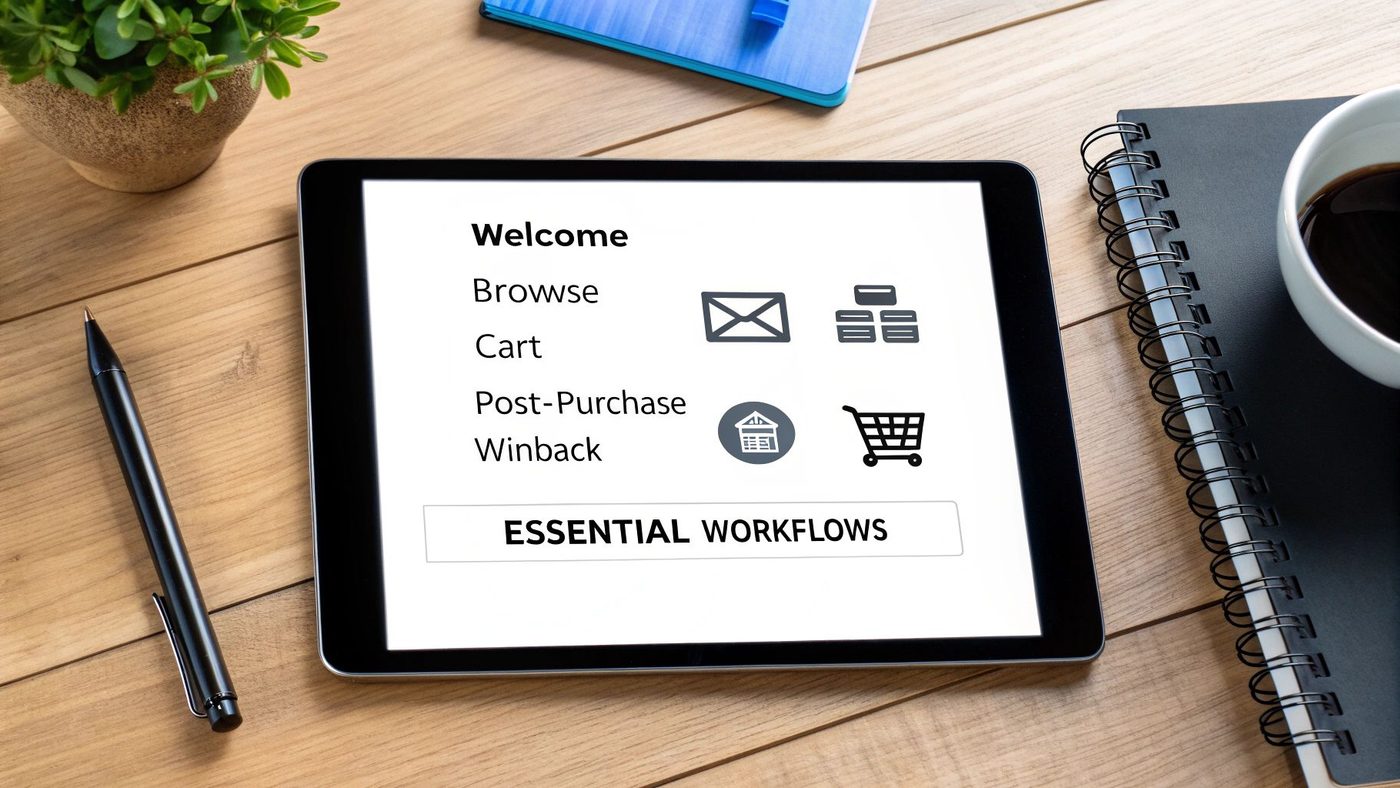
Think of your store's marketing as a one-on-one conversation with every single customer. If you were doing it manually, you'd be overwhelmed in minutes. It's just not possible. That's where automated workflows come in—they're like having a team of expert digital assistants who know exactly when to talk to a customer and what to say.
These automated sequences, often called "flows," are triggered by specific actions your customers take. A customer signs up, they get a welcome. They look at a product, they get a follow-up. This ensures every message is perfectly timed and highly relevant. They do the heavy lifting, building relationships and recovering sales while you sleep.
The data on this is stunning. In 2024, automated emails made up a tiny 2% of all email sends but drove a staggering 37% of all email-based sales. Compared to manual campaigns, their open rates were 52% higher, click rates shot up by 332%, and conversion rates were an almost unbelievable 2361% higher. You can dig into the numbers yourself in the 2025 ecommerce marketing report from Omnisend.com.
To give you a clearer picture, here’s a quick overview of the essential automations that form the backbone of a strong ecommerce marketing strategy.
Essential Ecommerce Automation Flows at a Glance
| Automation Flow | Primary Goal | Key Metrics to Track |
|---|---|---|
| Welcome Series | Nurture new subscribers and drive their first purchase. | Open Rate, Click Rate, Conversion Rate |
| Browse Abandonment | Re-engage interested shoppers who viewed products. | Open Rate, Click-to-Conversion Rate, Revenue Per Email |
| Cart Abandonment | Recover sales from shoppers who left items in their cart. | Recovery Rate, Revenue Per Email, AOV of Recovered Carts |
| Post-Purchase | Build loyalty and encourage repeat business. | Repeat Purchase Rate, Review Generation Rate, CLV |
| Customer Winback | Re-activate dormant customers before they're gone for good. | Re-engagement Rate, Winback Rate, Conversion Rate |
These flows work together to guide customers through their entire journey with your brand, from their first visit to becoming a loyal fan. Let's break down what each one actually does.
H3: The Welcome Series: Making a Killer First Impression
The moment someone trusts you with their email address is your golden opportunity. A welcome series is a short sequence of emails that capitalizes on that initial excitement to introduce your brand, build trust, and nudge them toward that all-important first purchase.
This isn't just one "thanks for signing up" email. A proper welcome flow tells your brand's story, shows off your bestsellers, and often sweetens the deal with a small incentive, like a 10% discount. It's all about connecting with them while they're paying the most attention.
H3: Browse Abandonment: The Gentle Nudge
Plenty of visitors will poke around your store, look at a few products, and then wander off. A browse abandonment workflow is your secret weapon for re-engaging these curious shoppers before your store becomes a distant memory.
Here’s how it works: when a known user on your list looks at a specific product but doesn't add it to their cart, this automation kicks in. A few hours later, it sends a friendly reminder featuring the exact item they were checking out. It’s a simple, low-pressure way to say, “Hey, remember this?” and bring them right back.
A browse abandonment flow is like a helpful store associate asking, "Can I help you with that?" It's a low-pressure way to re-engage shoppers who have shown clear intent but haven't taken the next step.
H3: Cart Abandonment: The Revenue Savior
If you only set up one automation, make it this one. The cart abandonment flow is easily the most profitable workflow for any online store. With around 70% of all online shopping carts being abandoned, this is your safety net to reclaim what would otherwise be lost revenue.
When a shopper adds items to their cart but bails without buying, this automation sends a series of timely reminders. A great cart abandonment series often includes:
- A clear reminder of what they left behind.
- Social proof, like customer reviews for those items.
- A simple, direct link to complete their order.
- Sometimes, a small discount in the final email to seal the deal.
This single workflow can have a massive and immediate impact on your bottom line.
H3: Post-Purchase: The Loyalty Builder
The sale isn't the end of the customer relationship—it's the beginning. A post-purchase series is all about turning one-time buyers into loyal, repeat customers. This is where you really start building a community.
Right after an order, you can send thank-you notes and shipping updates. A week or so later, you can follow up to ask for a review, offer a discount on their next purchase, or cross-sell related products. This kind of thoughtful communication shows customers you care about them beyond the transaction, which is the key to boosting customer lifetime value.
H3: Customer Winback: Re-engaging Lapsed Shoppers
It's natural for some customers to go quiet over time. A customer winback campaign is your proactive strategy to bring them back into the fold. This automation targets customers who haven't bought from you in a specific timeframe, like 90 or 180 days.
The goal is to pop back onto their radar with a compelling reason to return. This could be a special "we miss you" offer, a quick survey asking for feedback, or a showcase of all the great new things you've launched. It costs far less to re-engage an old customer than to find a new one, making winback flows essential for long-term, sustainable growth.
How Automation Directly Puts Money in Your Pocket
It’s one thing to talk about efficiency, but where ecommerce marketing automation really proves its worth is on your bottom line. This isn't just about saving time; it's a hard-working system designed to find, recover, and grow revenue at every single stage of the customer journey.
Let's get practical and look at the three biggest ways automation translates into more cash for your store. We'll cover how it claws back lost sales, turns one-time buyers into loyal fans, and nudges customers to spend a little more on each order.
Recovering Revenue You'd Otherwise Lose
Every Shopify store owner knows the pain of cart abandonment. A customer is this close to buying, and then...poof. They're gone. Without a system to bring them back, that money is lost for good. This is where automation acts as your 24/7 safety net.
Hands down, an automated abandoned cart flow is the highest-impact automation you can set up. When someone leaves items in their cart, this workflow automatically sends a series of timely, persuasive reminders to gently nudge them back to finish checking out. Think of it as a helpful salesperson giving a perfectly timed follow-up.
Let this sink in: nearly 70% of all online shopping carts are abandoned. A good automated email sequence can claw back a huge chunk of that lost revenue, turning a near-miss into a sale while you're busy with other things.
These aren't just generic "you forgot something" emails. A well-built flow can strategically feature product reviews, remind them why the item is special, or even offer a small, last-ditch incentive to seal the deal. For a deeper look, check out our guide on proven abandoned cart email strategies for Shopify.
Turning One-Time Buyers into Repeat Customers
Getting a new customer is tough—and expensive. The real secret to long-term, sustainable growth is getting those hard-won customers to come back again and again. Post-purchase and winback automations are your best tools for this, directly increasing your Customer Lifetime Value (LTV).
A post-purchase flow keeps the good vibes going long after the credit card is swiped. It can do things like:
- Send a simple "thank you" that makes them feel good about their purchase.
- Ask for a product review to build social proof for future shoppers.
- Suggest other products they might love based on what they just bought.
- Include a small "thank you" discount to encourage that critical second purchase.
This kind of thoughtful, consistent communication makes customers feel seen, not just like another order number. It's how you start building a real relationship that keeps them coming back.
On the flip side, a customer winback campaign automatically targets shoppers who’ve gone quiet. By sending a friendly "we miss you" offer after, say, 90 days of inactivity, you can reactivate an old customer for a tiny fraction of what it costs to find a new one.
Getting Customers to Spend More Per Order
Besides bringing customers back, automation can also increase how much they spend each time they shop. By strategically using automated upsells and cross-sells, you can give your Average Order Value (AOV) a serious lift without lifting a finger.
It’s simple, really. When a customer buys a new pair of leather boots, an automated email can follow up suggesting the perfect leather conditioner and waterproof spray. It’s a perfectly timed, relevant offer that makes their purchase better while adding more revenue to your pocket.
You can weave these nudges into all sorts of automated touchpoints:
- In Welcome Emails: Show off product bundles that offer better value than buying items separately.
- In Post-Purchase Flows: Recommend accessories or complementary items that go with what they just bought.
- In Promo Campaigns: Send targeted offers for premium or "step-up" versions of products to customers you know are interested.
Each of these automated suggestions is a chance for the customer to add just one more thing to their cart, directly boosting your AOV and overall revenue with a "set it and forget it" approach.
Your Shopify Automation Implementation Roadmap
Getting started with marketing automation can feel a bit like staring at a box of IKEA furniture—you know there’s something great inside, but the instructions look intimidating. Don't worry. With a clear plan, you can get your Shopify store’s marketing engine humming along, starting with the quick wins that make an immediate difference.
This roadmap breaks the whole process down into three straightforward phases. We’re going to skip the overwhelm and focus on what actually works.
The idea is to start small, nail the high-impact workflows first, and then build on that success. Instead of trying to launch ten different automations at once, we’ll zero in on the "Big Three" that are proven to recover lost sales and build customer loyalty from day one.
And you'll want to get started soon. Adoption is climbing fast—it's expected to jump from 62% of businesses in 2024 to over 70% in 2025. Why? Because it works. Workflows like abandoned cart reminders can generate up to 30 times more revenue than a standard email blast. As you can see from the latest marketing automation trends, merchants who wait are leaving money on the table.
Phase 1: Choose and Integrate Your Tool
First things first: you need to pick the right tool for your Shopify store. The market is flooded with options, but for most store owners, the best choice is a tool that keeps things simple and plays nicely with Shopify. A solution like Email Wiz, for instance, is designed to get you up and running in minutes, not weeks, by taking care of the complicated setup and content creation for you.
When you're comparing platforms, it's easy to get lost in feature lists. Here’s a practical checklist to help you choose wisely.
Tool Selection Checklist
| Feature | What to Look For | Why It Matters for Shopify |
|---|---|---|
| Shopify Integration | A one-click connection that syncs customer, order, and product data automatically. No manual CSV uploads. | Seamless integration means your automations have accurate, real-time data to work with, making them far more effective. |
| Pre-Built Workflows | Ready-to-go templates for essential flows like welcome, abandoned cart, and post-purchase. | This is a massive time-saver. You can launch proven, revenue-generating campaigns without starting from scratch. |
| AI Content Assistance | The ability to generate email copy and on-brand designs for you, based on your store's look and feel. | It breaks through writer's block and the design bottleneck, letting you go live faster without hiring a copywriter or designer. |
| Ease of Use | An intuitive interface that doesn't require a marketing degree to navigate. | You're a busy store owner. Your tool should make your life easier, not add another complex system to manage. |
| Transparent Pricing | Clear, predictable pricing that scales with your business, without surprise fees or long-term contracts. | You need to know your costs upfront so you can accurately measure your return on investment. |
Choosing the right tool is half the battle. Once you've made your decision, integrating it is usually as easy as installing the app from the Shopify App Store and granting it permission. The tool will then add a small tracking snippet to your site to watch what customers do—the key to triggering the right message at the right time.
Phase 2: Launch the "Big Three" Automations
With your tool plugged in, it's time for the fun part: activating the three most profitable automations. These are the absolute cornerstones of a great ecommerce marketing strategy and will start paying for themselves almost immediately.
Tackle them in this order for the fastest results:
- The Cart Abandonment Flow: This is priority number one, no contest. It automatically targets shoppers who were one click away from buying and nudges them back to complete their order. A simple two or three-email sequence is all you need to start recovering what would have been lost sales.
- The Welcome Series: When someone signs up for your list, they're at their most interested. A welcome series strikes while the iron is hot, introducing your brand story, building trust, and often using a small discount to lock in that crucial first purchase.
- The Post-Purchase Flow: A customer just bought from you—great! But the job isn't over. This automation follows up with a thank-you note, asks for a review, and suggests other products they might love. It’s how you turn a one-time buyer into a repeat customer.
Don't get hung up on perfection. The goal here is to get these three foundational flows live and working for you. You can always come back and tweak them later based on what the data tells you. Just turning them on is a huge win.
Phase 3: Monitor and Optimize Your Results
Once your core automations are running, the final phase is about keeping an eye on their performance and looking for simple ways to make them even better. You don't need to be a data wizard—just check a few key metrics for each workflow, like its conversion rate and the revenue it’s generating.
A fantastic place to start is A/B testing your email subject lines. It's a simple experiment: you send one version of the subject line to half your audience and another version to the other half to see which one gets more people to open the email. Over time, these small improvements can lead to big gains.
As you get more comfortable, you can start exploring more advanced tactics, like creating unique offers for different customer segments. If that sounds new to you, our guide explains what email segmentation is and how it drives growth.
By following this roadmap, you’re not just launching emails; you're building a powerful, automated marketing system one smart step at a time.
Measuring the Success of Your Automation
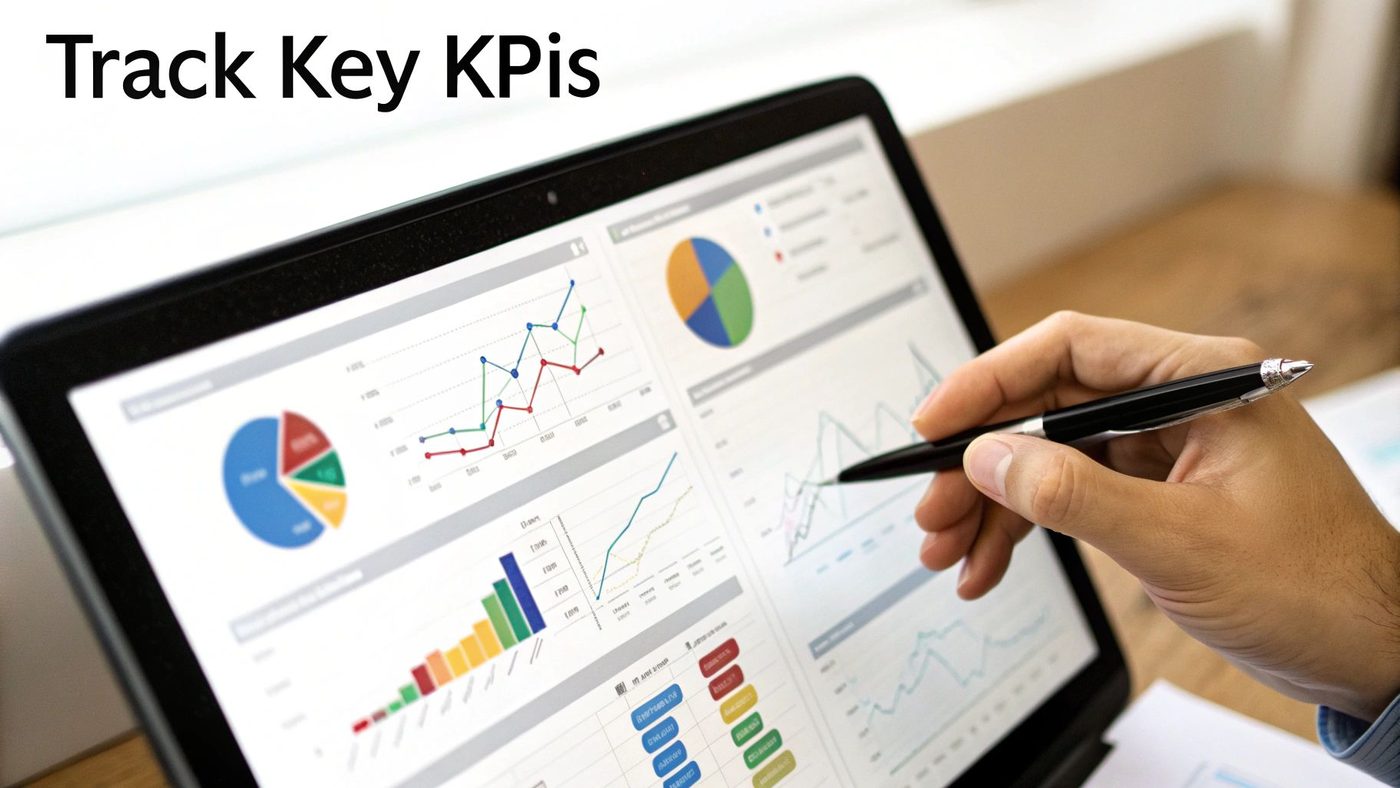
Getting your automated workflows live is a great first step, but the job isn't done. Now comes the real question: is any of this actually working? To figure that out, you have to track the right numbers, and I'm not just talking about vanity metrics like open rates.
Sure, it's nice to know how many people opened your email, but that doesn't tell you if the email made you any money. To see the real impact of your automation, you need to tie your efforts to Key Performance Indicators (KPIs) that directly reflect business growth. These are the stats that prove your work is delivering a tangible return.
Let's cut through the noise and focus on the three core metrics that truly matter. These will give you a clear, undeniable picture of what's working and what isn't.
Measuring Workflow Conversion Rate
The most straightforward way to see if an automation is doing its job is to look at its conversion rate. This is a simple percentage that tells you how many people who entered a flow actually did the thing you wanted them to do—which, let's be honest, is usually to buy something.
Every automated flow you set up will have its own conversion rate. For instance, you’ll want to track:
- Abandoned Cart Conversion Rate: What percentage of people who got a cart reminder came back to finish their checkout? A strong number here is pure, recovered revenue.
- Welcome Series Conversion Rate: How many of your new subscribers made a purchase after going through your welcome emails? This shows how effectively you’re converting curiosity into a sale.
- Winback Conversion Rate: What slice of your dormant customers placed an order after getting a winback email? This proves you're successfully bringing old customers back into the fold.
By watching the conversion rate for each workflow, you can quickly spot which automations are your heavy hitters and which ones need a little TLC.
Calculating Revenue Per Recipient
While conversion rates are essential, Revenue Per Recipient (RPR) is the metric that puts a hard dollar amount on your automations. It calculates the average revenue you earn from every single person who receives a message in a given flow. It answers a beautifully simple question: "How much is this automated email worth?"
RPR cuts straight to the point. Who cares if an email has a massive open rate if it generates $0.00 per recipient? On the flip side, an email with a so-so open rate might be one of your best performers if it's consistently pulling in $2.50 per recipient.
To get this number, just divide the total revenue from a specific workflow by the number of people who received its messages. Keeping an eye on RPR helps you figure out where to focus your energy. A high-RPR workflow is a goldmine, and even small tweaks can create a big lift in revenue.
Monitoring Customer Lifetime Value
Finally, looking at Customer Lifetime Value (LTV) gives you the 30,000-foot view of your automation's long-term effect. LTV is the total amount of money a customer is likely to spend with you over their entire time as a customer. Good automation has a direct, positive impact on this number.
This is where your post-purchase flows and loyalty-building automations really shine. By encouraging repeat business, cross-selling related products, and just generally keeping your brand on their radar, these workflows help transform one-time buyers into loyal fans who keep coming back.
When you see your store's average LTV start to climb after rolling out these automations, you’ve got undeniable proof that your efforts are doing more than just driving today’s sales—they’re building a healthier, more profitable business for the long haul.
Ecommerce Marketing Automation Guide: Conclusion
Ready to stop leaving money on the table? With Email Wiz, you can launch all of these essential, revenue-driving automations in about 30 seconds. Our AI handles the copy, design, and setup, so you can focus on growing your business. Get started with Email Wiz today and see how easy it is to put your marketing on autopilot.
Frequently asked questions
- How Much Does Marketing Automation Actually Cost?
- This is almost always the first question on a store owner’s mind, and the honest answer is: it really depends. The price isn't a single, fixed number. Instead, it’s a range that shifts based on your platform, the features you need, and, most importantly, the size of your contact list. The best Shopify SMS apps use a tiered pricing model. You’ll usually see plans based on: Number of Contacts: This is the most common approach. You pay more as your email or SMS list grows. A store with 1,000 subscribers will naturally pay a lot less than one with 50,000. Feature Tiers: Some platforms gate advanced features—like SMS automation or predictive analytics—behind their more expensive plans. A basic tier might cover the essential email flows, while premium tiers unlock the entire toolkit. Sending Volume: This is less common for email but often used for SMS. Here, you're charged based on how many messages you send each month. The real trick is to stop thinking of automation as a cost and start seeing it as a revenue-generating investment. A solid platform should easily pay for itself by recovering abandoned carts and driving repeat business. Focus on the return on investment (ROI), not just the monthly subscription fee. A small but growing store can often get started with a plan that costs somewhere between $20 to $100 per month. The important part is that the value it delivers—in rescued sales and higher customer lifetime value—should blow that expense out of the water. When you're trying to figure out which tools to use, exploring the best ad automation platforms can give you a better feel for practical applications and help narrow down your choices. At the end of the day, the right tool doesn’t cost you money; it makes you money.
- Will This Make My Brand Sound Robotic?
- This is a totally valid concern. Nobody wants their carefully built brand to suddenly sound like a generic, unfeeling machine. The fear is real: will automating communication make customers feel like just another number? But here’s the secret: great automation feels deeply personal, not robotic. When you do it right, you create experiences that are far more relevant and timely than you could ever hope to manage by hand. It’s not about sending generic email blasts; it’s about sending the perfect message triggered by a customer’s own actions. Here’s how you keep it human: Use real personalization: Go way beyond just plugging in a first name. Reference the specific products they looked at, the category they were browsing, or their past purchase history. That’s what makes a message feel like it was sent just for them. Lean on smart segmentation: Automation lets you send different messages to different people. A first-time buyer should get a very different welcome than a loyal VIP who has already bought from you ten times. Nail the timing: A message that shows up at the right moment feels helpful, not creepy. An abandoned cart reminder that lands an hour after they leave your site feels like a gentle nudge. That same message a week later just feels weird. Think of it like a great barista who remembers your usual order. That’s not robotic—it’s amazing service that makes you feel seen and valued. Good ecommerce marketing automation does the exact same thing, just at a much bigger scale.
- What’s the Very First Automation I Should Set Up?
- If you’re feeling a little overwhelmed and just want to know where to start for the biggest, fastest impact, the answer is easy: the Abandoned Cart workflow. No other automation gives you a more direct or immediate return on your time and money. Why is this the undisputed champion? It all comes down to targeting shoppers who are hanging on the edge of a decision. These aren't just casual window-shoppers; they are people who liked your products enough to actually add them to their cart. They are this close to buying. By setting up a simple sequence of one to three automated emails, you create a safety net that catches a huge chunk of these otherwise lost sales. With cart abandonment rates hovering around 70% for most online stores, this single workflow directly plugs one of the biggest leaks in your business. It’s the perfect starting point because: It delivers immediate ROI: You will literally see recovered sales pop up in your dashboard almost as soon as you turn it on. It’s easy to implement: Most modern tools have pre-built abandoned cart templates that you can get live in minutes. It proves the concept: Seeing the direct financial impact of this one flow will give you all the confidence you need to build out the others. While a welcome series is critical for long-term relationships and a post-purchase flow is key for loyalty, nothing puts cash back in your pocket faster than a well-tuned abandoned cart automation.