How to Sell on ChatGPT With Your Shopify Store
OpenAI just opened ChatGPT to businesses. Getting your Shopify store on it takes three steps. Turning that traffic into sales is the part most stores will miss.

Your customers already ask ChatGPT what to buy. Until this week, you had no say in what it told them.
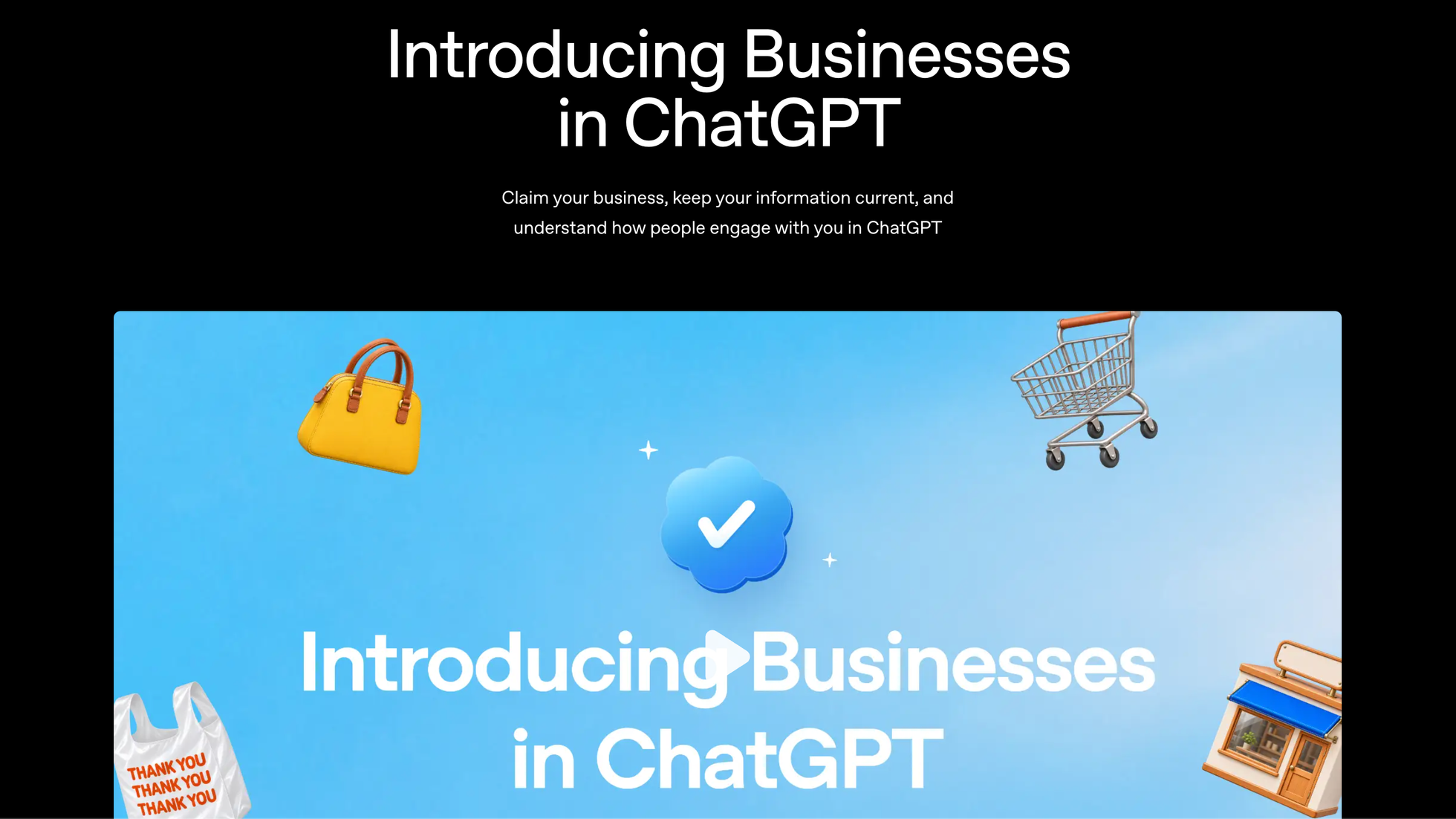
On November 10, OpenAI launched Businesses in ChatGPT in beta. More than a billion people use ChatGPT every week, and for the first time a store owner can claim their business there, keep its details accurate, and see how often it comes up.
If you run a Shopify store, you're already halfway in. Here's how to finish the job, and what to do once the clicks start coming.
What actually changed
Before this, ChatGPT pieced your store together from whatever it found online. Old prices. Discontinued products. A return policy from two years ago.
Now there's a place called Business Hub where you can:
- Claim your business and get a blue check on your ChatGPT profile.
- Update your details and upload product feeds with current pricing and availability.
- See insights: how many times you're mentioned, how many clicks reach your site, and the "discovery topics" where your site gets cited.
- Build a Business Agent (US only for now), a chat shoppers can open from your profile to ask about your products.
One thing OpenAI is clear about: claiming does not buy you a better ranking. ChatGPT still makes its own recommendations. What claiming does is make sure that when you do come up, the information is right.
ChatGPT will talk about your store whether you claim it or not. Claiming just decides who writes the facts.
How to claim your Shopify store, step by step
Shopify merchants get the easy path. Eligible products are already flowing into ChatGPT through Shopify Catalog, so most of the work is done.
Step 1: Connect your store
You can start from either side:
- From your Shopify admin, or
- From ChatGPT Business Hub (chatgpt.com/business-hub).
You'll need to own the business or be authorized to represent it. Claiming is open to eligible businesses with a website, in countries where ChatGPT is available. In Shopify, you choose which AI channels sell your products under Sales channels > Agentic.
Step 2: Review your business information
Your product details, pricing and availability come across automatically from Shopify's catalog. Check them anyway. Look at your store description, your policies and your bestsellers. If something reads wrong here, it will read wrong to every shopper who asks. While you’re in Shopify, fill in your store’s knowledge base too: returns, shipping times, brand values. AI agents use it to answer questions about your store.
Step 3: Preview and publish your agent (US stores)
If you're an eligible US ecommerce business, you can build a Business Agent. It answers questions using your product and policy information, following guidelines you set. Test it like a customer would. Ask it to compare two of your products. Ask about shipping. Ask about returns.
Keep it honest. OpenAI's policy bans agents that invent prices or reviews, push fake urgency, or keep selling after someone says no. That's fine. Those tactics don't work on people doing research anyway.
What to look at once you're in
The insights are where this gets useful.
Mentions tell you how often ChatGPT brings you up. Website clicks tell you how many of those people actually visit. If mentions are high and clicks are low, your profile isn't giving people a reason to go further.
Discovery topics are the interesting part. They show the themes of conversations where your site gets cited. You might think you sell "eco-friendly cleaning products" and find out ChatGPT knows you for "apartment laundry." That's a free lesson in how buyers describe you.
Two caveats. The data is aggregated, so you won't see anyone's actual chat. And small stores may see nothing at first, because OpenAI only shows insights once there are enough conversations to protect people's privacy.
How to turn ChatGPT traffic into sales
Getting found in ChatGPT is the new top of the funnel. It's not the sale.
Think about who clicks through from ChatGPT. They've already asked questions, compared options and narrowed it down. They arrive warmer than almost any ad visitor.
And when they buy, it happens on your store. Shopify says ChatGPT shoppers complete their purchase on your own online store checkout, inside ChatGPT’s in-app browser or in a new tab. You keep the customer, and the order shows up in your Shopify admin tagged with where it came from.
But plenty of them will leave before they buy.
They'll add something to the cart and get distracted. They'll want to check one more review. They'll come back "later." Shoppers who arrive from AI are a little further along than the usual visitor, but they're still people with forty open tabs.
So before you celebrate your first ChatGPT clicks, check three things:
- Are you capturing emails? A visitor who leaves without giving you an email is gone for good.
- Is your abandoned cart flow live? This is where warm traffic turns into revenue. If you don't have one running, start here.
- Is the follow-up timed right? A cart email at fifteen minutes and one at six hours behave very differently. Test it.
You've heard all of this before. The difference now is a fresh stream of high-intent visitors, and most stores will let them walk right out.
Why Wiz fits here
ChatGPT can bring shoppers to your store. It can't follow up with the ones who leave.
That's what Wiz does. It's an AI email marketing app built for Shopify. It sets up your abandoned cart, welcome and winback flows, writes and designs the emails in your brand's voice, and keeps them running without you touching a campaign calendar.
ChatGPT brings them in. Wiz brings back the ones who leave.
You can try it free for 7 days. Start your free trial on the Shopify App Store.
What to do this week
Claim your business. Check that your product info is right. Then make sure your abandoned cart flow is live before the traffic shows up, not after.
If you're still working out how to use ChatGPT inside your business for content and support, we covered that here.
Frequently asked questions
How do I get my Shopify store to show up on ChatGPT?
Claim your business in ChatGPT Business Hub, or connect your store from your Shopify admin. Eligible products already reach ChatGPT through Shopify Catalog, so for most stores it comes down to reviewing your info.
Can customers buy my products directly in ChatGPT?
They find and compare products in ChatGPT, then complete the purchase on your store’s own checkout, inside ChatGPT’s in-app browser or a new tab. Orders show up in your Shopify admin with ChatGPT attribution.
What is Businesses in ChatGPT?
A beta program from OpenAI, launched November 10, 2026. It lets businesses claim their profile in ChatGPT, update their information, upload product feeds and see insights on how people find them.
Do I need a Shopify store to claim my business?
No. Any eligible business can claim through Business Hub. Shopify merchants just get a faster setup, because their products already sync through Shopify Catalog.
Does claiming my business make ChatGPT recommend me more?
No. OpenAI says claiming does not guarantee higher placement or sales. It makes sure the information ChatGPT shows about you is accurate and current.
What is a Business Agent?
A chat shoppers can open from your ChatGPT profile to ask about your products and policies. It’s labeled clearly and kept separate from ChatGPT’s own answers. For now it’s only available to eligible ecommerce and online service businesses in the US.
Can I see what customers say to ChatGPT about my store?
No. You get aggregated numbers (mentions, website clicks and discovery topics), not individual conversations. Insights also only appear once there’s enough activity.
How do I turn ChatGPT traffic into sales?
The same way you turn any traffic into sales: capture emails and follow up with people who don’t buy on their first visit. An abandoned cart flow is the highest-impact place to start.