7 Revenue-Driving Drip Campaign Templates for Shopify Stores (2026)
- Guy Williams

- Jan 26
- 17 min read
Updated: May 6
Automating your email marketing is no longer optional; it's essential for scaling a Shopify store. The challenge isn't knowing you should be sending emails, but rather what to say, when to send it, and how to sequence it for maximum impact. Crafting effective welcome series, abandoned cart reminders, and winback flows from scratch requires significant time and expertise, resources that busy entrepreneurs and small marketing teams often lack. This is where high-quality drip campaign templates become a critical asset, providing a proven foundation for engaging customers and driving revenue on autopilot.
This comprehensive drip email sequence guide eliminates the guesswork. We've compiled a detailed list of the best platforms and resources for actionable drip campaign templates specifically designed for e-commerce. You won't just find generic outlines here. We are diving deep into complete, ready-to-use campaigns that you can implement today to boost retention, increase average order value, and build lasting customer relationships.
Inside, you'll discover:
Welcome Series Templates: Make a powerful first impression and convert new subscribers into first-time buyers.
Abandoned Cart & Checkout Flows: Recover lost sales with perfectly timed, persuasive reminders.
Post-Purchase & Upsell Sequences: Turn one-time buyers into repeat customers and increase lifetime value.
Winback & Re-engagement Campaigns: Bring inactive customers back into the fold before they're gone for good.
VIP & Loyalty Program Automations: Reward your best customers and foster a dedicated brand community.
Each example includes the strategic breakdown, full email copy, timing recommendations, and key performance indicators (KPIs) to track. We'll provide direct links and screenshots, showing you exactly where to find these powerful templates and how to adapt them for your brand, with a special focus on optimization for Email Wiz users. Let's get started.
1. Email Wiz
Best for: Shopify merchants seeking rapid, AI-powered automation.
Email Wiz stands out as a powerful, AI-first solution engineered specifically for the Shopify ecosystem. It fundamentally reimagines the process of creating and deploying email marketing, transforming what traditionally takes days or weeks of manual work into a setup that is complete in about 30 seconds. This platform is an ideal choice for Shopify store owners, from dropshippers to multi-store operators, who need a complete, revenue-driving email channel without the steep learning curve, technical overhead, or agency costs associated with legacy platforms.
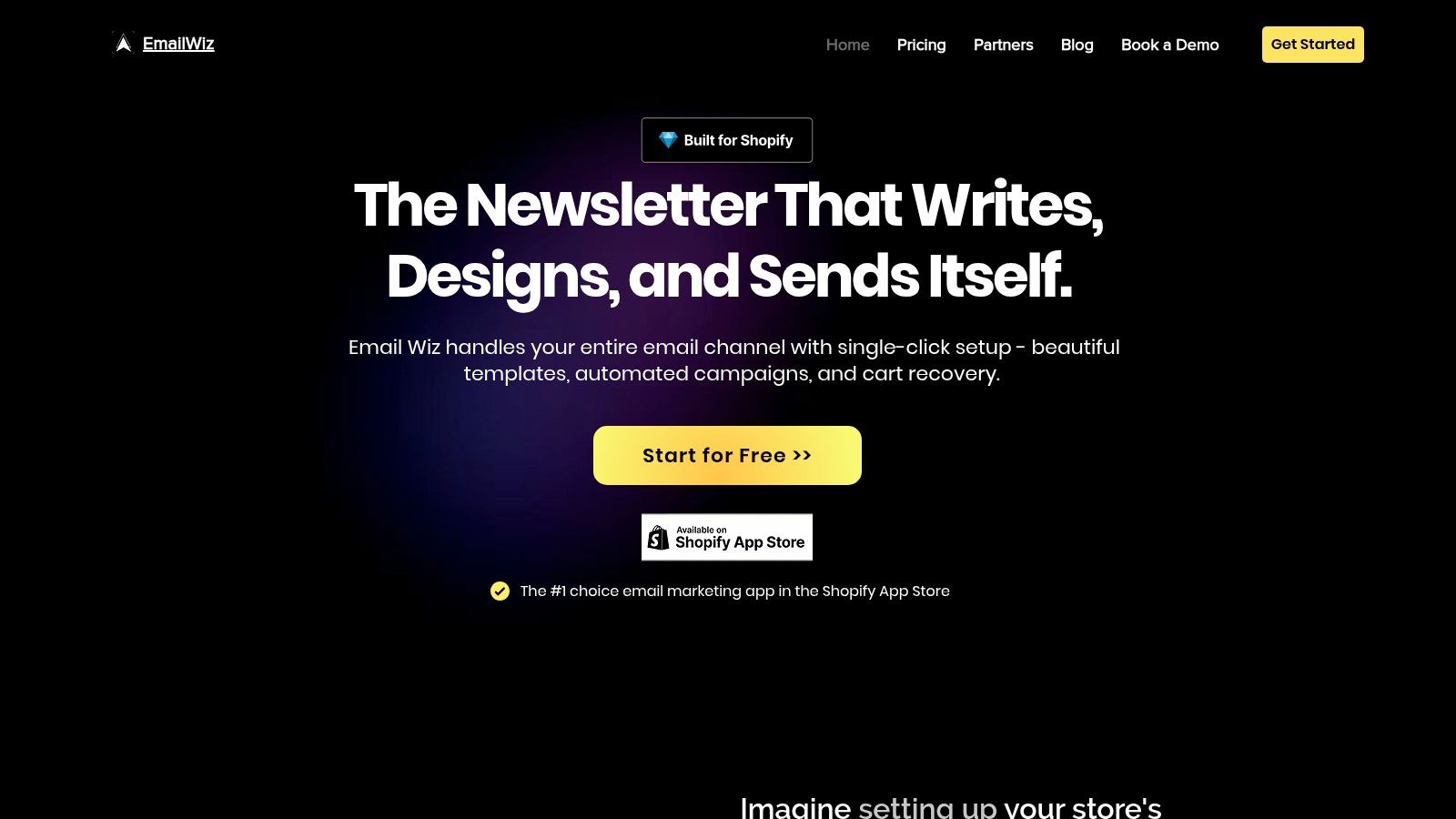
The core strength of Email Wiz lies in its one-click automation. Upon installation, the platform’s generative AI instantly analyzes your Shopify store, pulling your logo, color palette, and product information to auto-create a full suite of on-brand drip campaign templates. This isn't just about aesthetics; the AI also populates these templates with persuasive, conversion-focused subject lines and body copy, ready to deploy immediately.
Key Features and Strategic Advantages
Email Wiz doesn’t just provide templates; it delivers a fully configured email marketing engine out of the box. This includes essential, pre-built lifecycle flows designed to maximize customer lifetime value and recover lost sales.
Instant, On-Brand Template Generation: The platform’s ability to generate a complete library of branded templates is a significant time-saver. This ensures brand consistency across all customer touchpoints from day one.
Pre-Configured Revenue Flows: Email Wiz auto-creates and activates the most critical e-commerce automations, including a welcome series, cart and checkout abandonment flows, browse abandonment reminders, post-purchase thank-yous, and winback campaigns.
AI-Powered Copywriting: The generative AI writes compelling email copy tailored to each specific flow. This is a game-changer for merchants who aren't experienced copywriters, eliminating guesswork and writer's block.
Deep Shopify Integration: ROI is immediately visible. The platform's dashboard displays recovered revenue and key engagement metrics directly, allowing you to track performance in near real-time. Many users report seeing a positive financial impact within the first 24 hours.
Strategic Takeaway: The "plug-and-play" model of Email Wiz makes it an exceptional tool for speed to market. Merchants can launch a sophisticated, multi-touchpoint email strategy almost instantly, capturing revenue that would otherwise be lost.
Who Is It For?
This platform is particularly well-suited for merchants who prioritize efficiency and automation. It's an excellent fit for small to midsize businesses, dropshippers, and Shopify Plus brands who want a powerful system that works automatically but still allows for manual edits when desired. The platform's deep integration and focus on revenue recovery make it a highly practical tool for any e-commerce team focused on tangible results. For those looking to dive deeper into the design process, Email Wiz also provides resources on how to create email templates that convert, offering guidance on best practices.
Pricing and Access
Email Wiz offers scalable pricing based on the number of active contacts, making it accessible for stores of all sizes. A free start option is available, allowing merchants to experience the platform's core functionality. Full pricing details and the option to book a demo are available on their website.
Pros:
One-Click Setup: Deploys a complete, on-brand email marketing channel in seconds.
AI-Driven Content: Auto-generates branded templates and persuasive email copy.
Revenue-Focused Automations: Includes pre-built flows for cart recovery, welcome series, and more.
Seamless Shopify Integration: Provides clear, real-time ROI tracking directly in the dashboard.
Cons:
Scaled Pricing: Costs increase as your subscriber list grows, requiring budget planning.
Less Granular Customization: May not offer the deep, enterprise-level customization of more complex, legacy platforms.
Website: https://emailwiz.ai
2. Klaviyo
Klaviyo has become the gold standard for Shopify merchants looking to implement sophisticated, data-driven email marketing without a steep learning curve. Its core strength lies in its "Flow Library," a collection of pre-built drip campaign templates that are deeply integrated with Shopify’s event data. This makes it exceptionally easy to launch automations that feel highly personalized right out of the box.
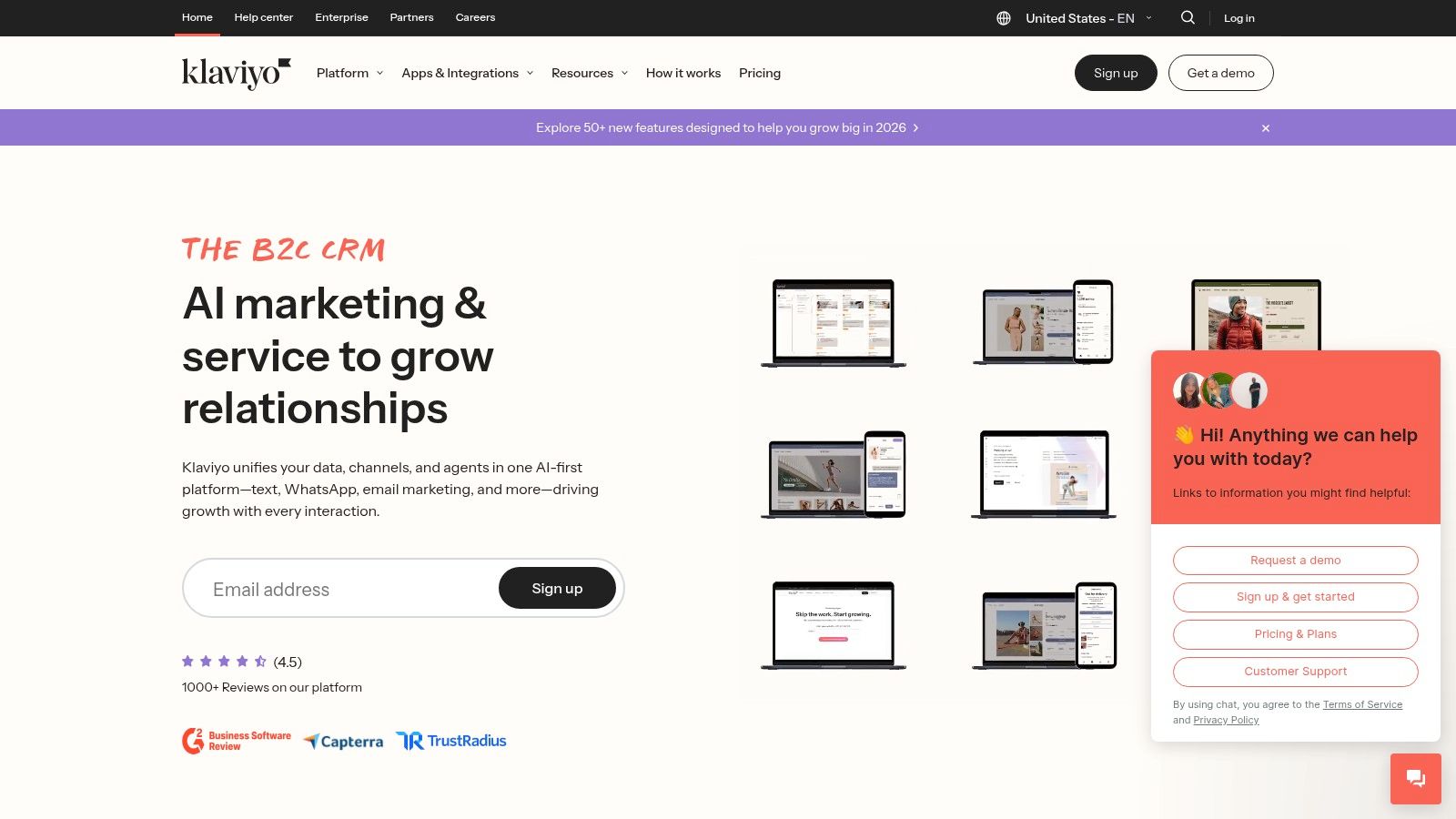
Unlike generic email platforms, Klaviyo's templates are specifically designed for ecommerce. When you add an Abandoned Cart flow, it automatically pulls in the exact product image, title, and a link back to the user’s cart. This dynamic content capability is a significant advantage, saving hours of manual setup and ensuring every email is relevant to the recipient's recent activity.
Strategic Breakdown and Key Features
Klaviyo’s platform is built around the concept of "flows," which are their version of drip campaigns or automations. The Flow Library offers one-click templates for essential ecommerce touchpoints.
Welcome Series: Onboard new subscribers with a multi-email sequence designed to introduce the brand, offer a first-purchase discount, and showcase best-selling products.
Abandoned Cart/Checkout: These are two distinct flows in Klaviyo. The Abandoned Cart flow targets users who add an item to their cart but don’t start checkout, while the Abandoned Checkout flow targets those who begin the checkout process but don't complete the purchase. Both use dynamic product blocks to remind shoppers what they left behind.
Browse Abandonment: A more advanced tactic, this flow triggers when a known subscriber views a product but doesn’t add it to their cart. It’s an effective way to re-engage high-intent visitors.
Post-Purchase & Win-back: From thank-you emails and cross-sell opportunities to re-engagement campaigns for lapsed customers, these templates help maximize customer lifetime value.
The platform's user interface is intuitive, allowing for easy customization of timing, segmentation, and email content within each flow. You can explore a variety of high-converting drip campaign examples to see how these flows can be adapted for your specific store.
Pricing and Access
Klaviyo offers a free plan for up to 250 contacts and 500 email sends per month, making it accessible for new stores. Paid plans scale based on the number of active contacts and email/SMS sends, which can become a significant investment for larger businesses.
Pros | Cons |
|---|---|
Best-in-class Shopify integration with dynamic data. | Pricing can become expensive as your list grows. |
Extensive library of proven ecommerce drip campaign templates. | Recent billing changes may increase costs for some users. |
Powerful segmentation and analytics tools. | Can have a learning curve for very advanced customizations. |
Free tier is great for getting started. |
For Shopify store owners who need a powerful, "plug-and-play" solution for their email marketing, Klaviyo is an unparalleled choice.
Website: https://www.klaviyo.com
3. Mailchimp
Mailchimp is one of the most recognized names in email marketing, known for its user-friendly interface and comprehensive features that cater to businesses of all sizes. Its strength for ecommerce lies in its visual "Customer Journey" builder, which allows users to design and deploy automated drip campaign templates through an intuitive, flowchart-style canvas. This visual approach makes it accessible for beginners to set up sophisticated sequences without needing deep technical knowledge.
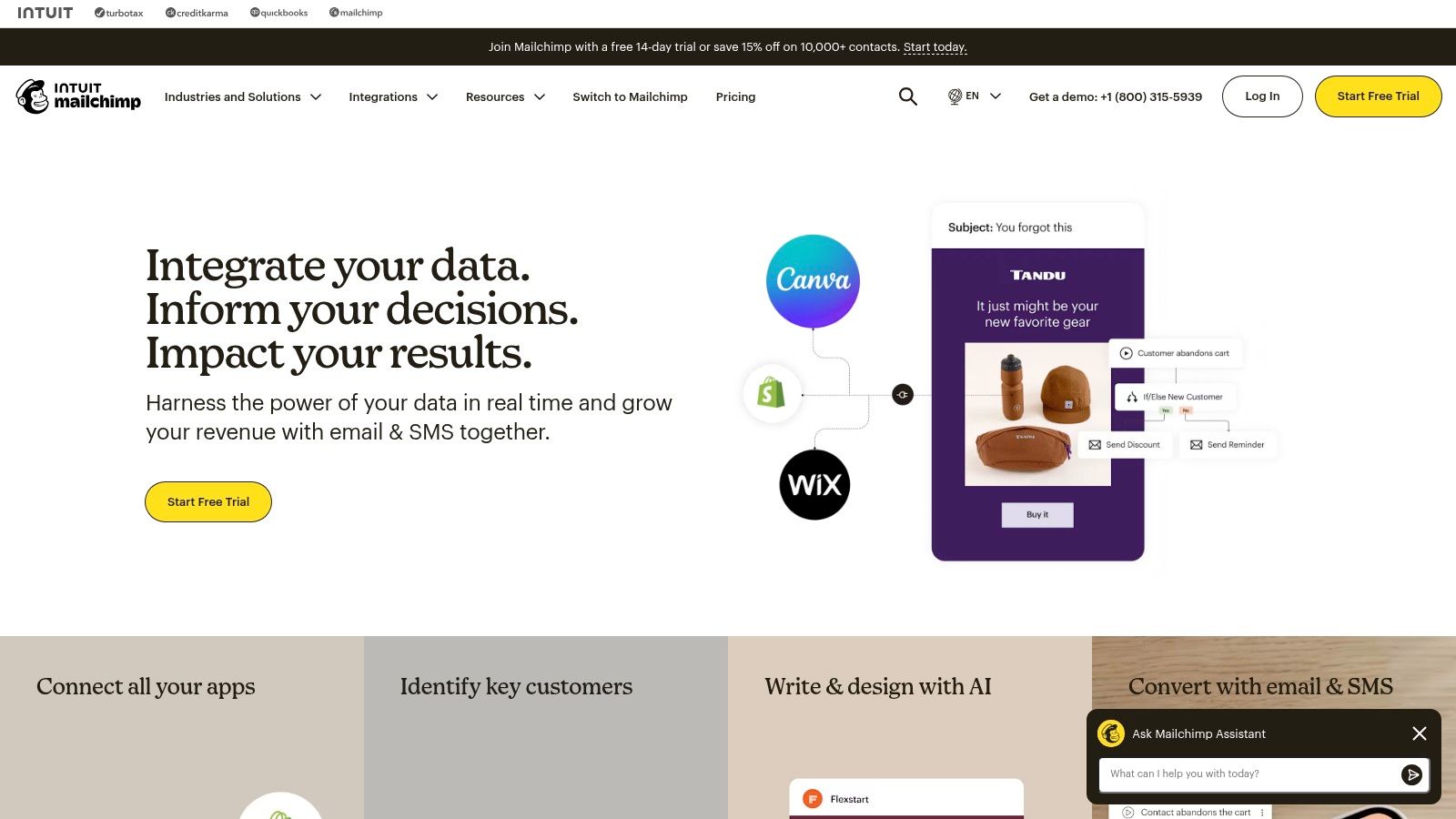
While many platforms focus purely on email, Mailchimp offers a broader marketing suite, integrating social posts, digital ads, and landing pages into its automations. The platform provides a library of pre-built journeys for common scenarios, which serve as excellent starting points. For Shopify users, this means you can quickly implement a Welcome Series or Abandoned Cart flow and then visually map out additional touchpoints, like follow-up emails based on whether a customer opened the first message or clicked a link.
Strategic Breakdown and Key Features
Mailchimp’s automations, called "Customer Journeys," are the core of its drip campaign functionality. The platform offers a solid library of pre-built templates that can be customized to fit your brand's specific needs.
Classic Automations: Mailchimp offers single and multi-step pre-built recipes for essential ecommerce tasks like welcoming new subscribers, recovering abandoned carts, and re-engaging lapsed customers.
Visual Journey Builder: This is Mailchimp’s standout feature. It allows you to drag-and-drop triggers, rules, and actions to create custom, multi-path drip campaigns. You can set up if/else logic, time delays, and segment users based on their behavior within the journey itself.
Abandoned Cart Series: The platform provides a dedicated template to automatically email shoppers who leave items in their cart, helping to recover potentially lost sales with timely reminders.
Product Retargeting: Send automated emails to subscribers who have viewed specific products on your Shopify store, reminding them of their interest and encouraging them to complete the purchase.
The interface is designed for clarity, making it easy to see how each step in your drip campaign connects. However, the complexity of journeys you can build is often tied to your subscription tier, with more advanced branching logic reserved for higher-priced plans.
Pricing and Access
Mailchimp has a free plan that includes up to 500 contacts and 1,000 email sends per month, but automations are limited to single-step emails. Paid plans like "Essentials" and "Standard" unlock multi-step journeys and increase contact/send limits. A unique offering is the "Pay As You Go" plan, which lets users buy email credits, ideal for seasonal businesses with fluctuating sending needs.
Pros | Cons |
|---|---|
Highly intuitive visual journey builder is great for beginners. | Advanced multi-step automations require more expensive plans. |
Flexible billing options, including a pay-as-you-go credit system. | Mailchimp branding is present on emails sent from lower-tier plans. |
Large library of pre-built automations and email templates. | Free plan is quite limited for true drip campaign functionality. |
Strong ecosystem with hundreds of third-party integrations. |
For store owners who want a straightforward, visually-driven tool for creating foundational drip campaigns and appreciate flexible pricing, Mailchimp is a solid and reliable choice.
Website: https://mailchimp.com
4. Omnisend
Omnisend is a powerful marketing automation platform designed for ecommerce businesses that want to streamline their communication across multiple channels. Its main advantage is the ability to combine email, SMS, and web push notifications into a single, cohesive automation workflow. This makes it an excellent choice for merchants looking to create a true omnichannel experience with minimal effort.
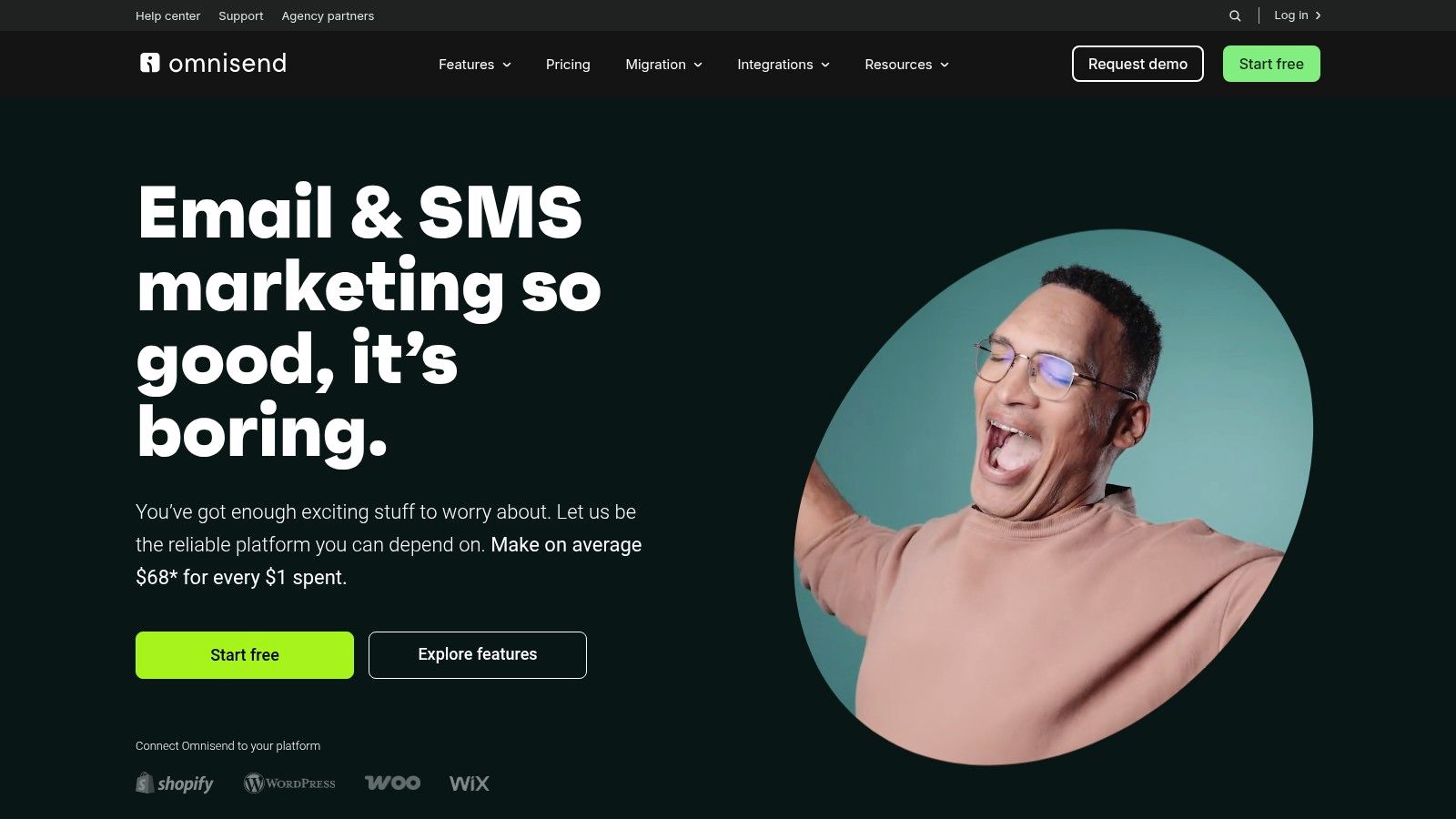
Unlike platforms that treat each channel separately, Omnisend’s drip campaign templates are built for an integrated strategy from the start. A user can create a cart abandonment flow that sends an email first, followed by an SMS reminder a few hours later, and then a web push notification the next day, all within one visual builder. This pre-configured, multi-channel approach helps brands reach customers wherever they are most active.
Strategic Breakdown and Key Features
Omnisend’s Automation Library provides one-click templates that come pre-loaded with messages, subject lines, and optimized timing, allowing for a rapid launch.
Welcome Series: Engage new subscribers immediately with a sequence that can include a welcome email with a discount, followed by an SMS message for those who have opted in, introducing the brand across multiple touchpoints.
Cart Abandonment: Recover lost sales with a multi-channel flow. The templates are designed to automatically send an email reminder, and if the purchase isn't completed, trigger a follow-up SMS to create a sense of urgency.
Browse Abandonment & Product Abandonment: Similar to cart abandonment, these flows re-engage shoppers who showed interest but didn't convert. The templates allow you to follow up on viewed products via email and other channels.
Post-Purchase & Win-back: Nurture customer relationships after a sale with thank-you notes, shipping confirmations, and cross-sell recommendations. The win-back templates help re-engage inactive customers with targeted offers sent via their preferred channel.
The platform is known for its user-friendly drag-and-drop editor and excellent 24/7 customer support, which is available on all plans. This makes it accessible even for merchants without a dedicated marketing team.
Pricing and Access
Omnisend offers a generous free plan that includes up to 250 contacts, 500 emails per month, and 60 SMS credits. This allows new businesses to test its full automation capabilities. Paid plans, Standard and Pro, scale based on your contact list size and offer higher sending limits and advanced features.
Pros | Cons |
|---|---|
Combines email, SMS, and push notifications in single flows. | Some advanced personalization features are add-ons on lower tiers. |
Excellent 24/7 support is available on every plan. | Pricing can increase with add-ons and a growing contact list. |
Pre-built, one-click templates allow for very fast setup. | |
Free plan is robust enough to get started with automations. |
For ecommerce stores aiming to build a seamless omnichannel marketing strategy without complexity, Omnisend offers a uniquely integrated and user-friendly solution.
Website: https://www.omnisend.com
5. Drip
Drip is an ecommerce marketing automation platform squarely focused on providing retailers with a fast track to sophisticated automations. Its strength is its library of "Playbooks," which are essentially ready-made drip campaign templates designed to address common ecommerce challenges. This playbook-centric approach makes it ideal for merchants who want to implement proven strategies without building them from scratch.
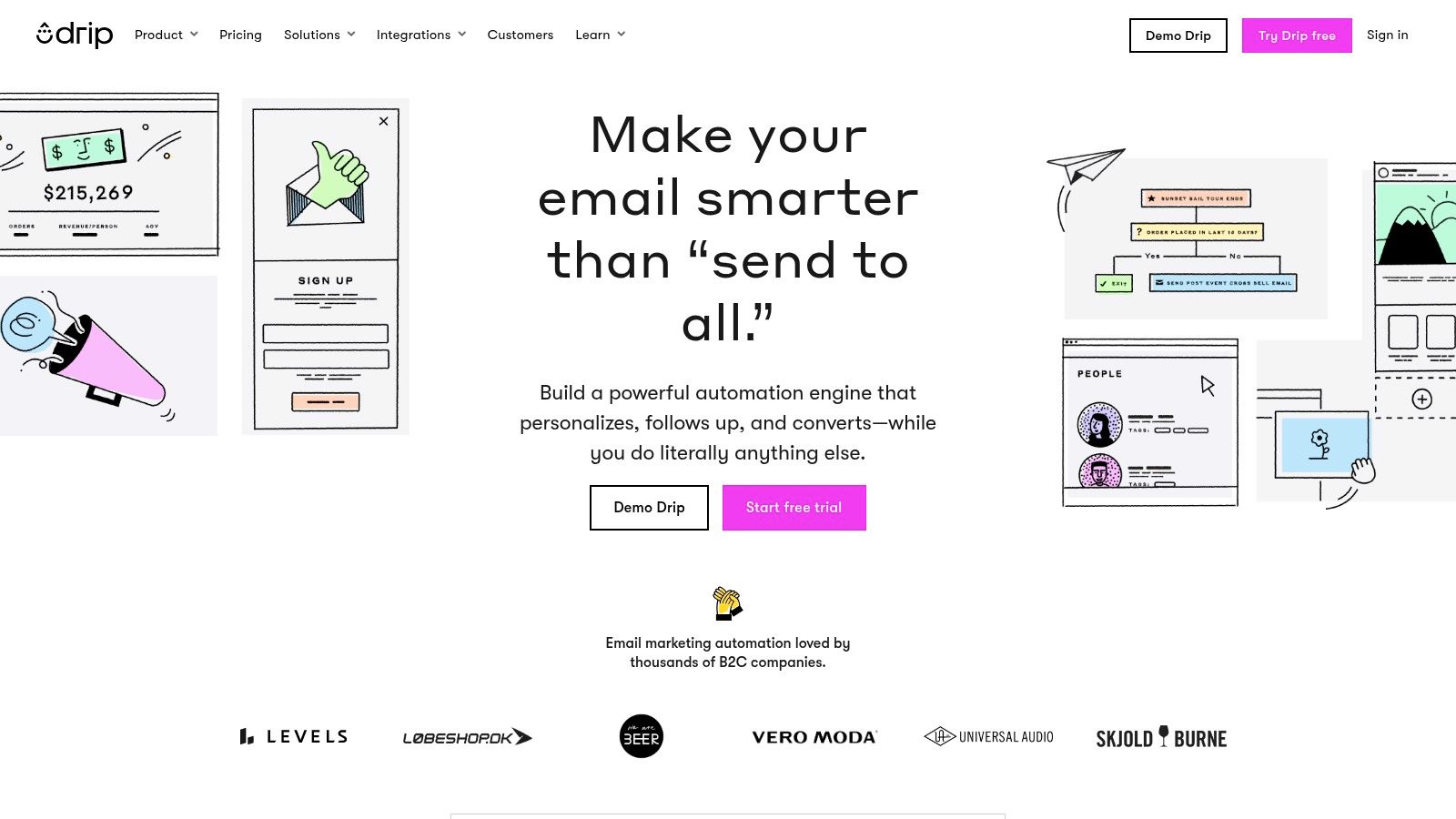
Unlike platforms that offer a blank canvas, Drip guides users toward best practices from the start. When you select a playbook, it not only creates the entire multi-step workflow but also pre-populates it with professionally written email copy and design. This significantly lowers the barrier to entry for small teams or store owners who lack extensive marketing resources but still want to leverage powerful automation.
Strategic Breakdown and Key Features
Drip’s platform is built around "Workflows" and "Playbooks." The Playbook library is the star feature, offering one-click templates that can be filtered by platform (like Shopify) and category (like "Increase Revenue").
Welcome Series Playbook: A classic onboarding sequence designed to convert new subscribers into first-time buyers by introducing the brand story and offering a compelling initial discount.
Abandoned Cart/Browse Playbooks: Drip offers distinct, high-impact workflows for both cart and browse abandonment. These templates use dynamic content to showcase the exact products a shopper viewed or added to their cart, creating a powerful reminder.
Post-Purchase Engagement: This playbook automates follow-up communication to thank customers, request reviews, and strategically upsell or cross-sell related products, aiming to increase customer lifetime value.
Win-back Campaign: Re-engage customers who haven't purchased in a while with a targeted sequence of emails. The playbook includes proven offers and messaging to bring lapsed buyers back to your store.
The visual builder allows for easy customization of both the workflow logic and the individual email templates within each playbook. For a deeper understanding of how these automated sequences function, exploring a comprehensive drip campaign definition and guide can provide valuable context.
Pricing and Access
Drip offers a 14-day free trial that provides access to most of its core features, allowing users to test the platform thoroughly. After the trial, pricing is based on the number of contacts in your list, starting at a higher price point than some competitors but offering a robust set of ecommerce-specific tools.
Pros | Cons |
|---|---|
Very focused on ecommerce automation with proven playbooks. | Customer support channels are tiered based on your plan. |
Quick implementation of common marketing flows. | Unlimited email sends are not included during the free trial. |
Visual builder is intuitive for customizing templates. | Can be more expensive than entry-level email platforms. |
14-day free trial to explore most features. |
For ecommerce brands that prioritize speed and want to deploy proven automation strategies with minimal setup, Drip offers a powerful and streamlined solution.
Website: https://www.drip.com
6. ActiveCampaign
ActiveCampaign is a powerful marketing automation platform that goes beyond email by deeply integrating CRM functionality. Its core strength for building drip campaigns lies in its extensive library of "Automation Recipes," which are essentially pre-built drip campaign templates. These recipes cover a vast range of scenarios, from standard ecommerce follow-ups to complex, behavior-driven sales funnels.
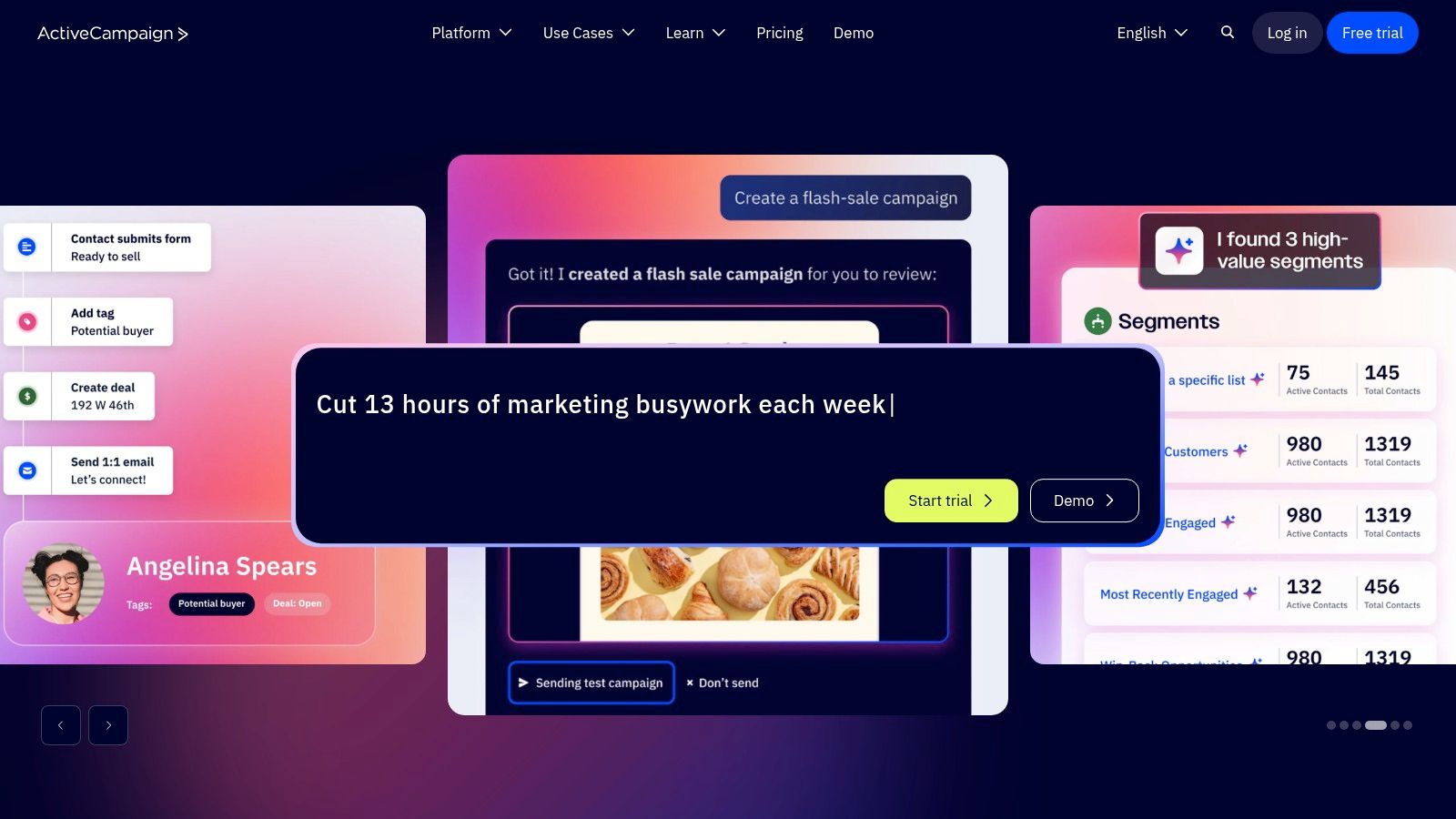
Unlike platforms focused solely on email, ActiveCampaign's templates often incorporate CRM actions. For example, a recipe might not only send a series of emails but also update a contact's deal stage, assign a task to a sales team member, or add a tag based on user engagement. This makes it ideal for businesses that manage leads and customers with a more hands-on, sales-assisted approach.
Strategic Breakdown and Key Features
ActiveCampaign’s "recipes" provide a one-click import system to get sophisticated automations running quickly. The library contains over 200 templates created by both ActiveCampaign and its community of users.
Diverse Recipe Library: The templates go far beyond basic ecommerce. You can find recipes for abandoned carts, re-engagement campaigns, lead nurturing, webinar follow-ups, and more.
Integrated CRM Actions: Many recipes are designed to work with ActiveCampaign’s built-in CRM. This allows you to create automations that manage the entire customer journey, from initial lead to loyal customer, bridging the gap between marketing and sales.
Community Marketplace: In addition to free, official recipes, there is a marketplace where users can share (and sometimes sell) their own proven automation templates. This provides an ever-growing resource for unique and niche campaign ideas.
Multi-Channel Journeys: The templates are not limited to email. Recipes can include steps for sending SMS messages, updating custom fields, or using site messages, allowing for more comprehensive customer communication.
The platform’s visual automation builder is powerful, giving you granular control over the logic, timing, and conditions of each step in your drip sequence once a recipe is imported.
Pricing and Access
ActiveCampaign's plans are based on features and contact list size, starting with the "Marketing Lite" plan. Access to the core automation recipes is available on most plans, though the full functionality of some advanced recipes may require a higher-tier plan (like Professional or Enterprise) that includes features like the CRM or split automations.
Pros | Cons |
|---|---|
Extensive library of "recipes" for various marketing scenarios. | Some marketplace automations cost extra. |
Deep integration between email marketing and CRM actions. | Full functionality of certain recipes depends on your plan. |
Marketplace offers unique community-created templates. | Can be more complex than email-only platforms. |
Powerful and flexible visual automation builder. |
For businesses that need their drip campaigns to do more than just send emails, ActiveCampaign offers a uniquely powerful and integrated solution.
Website: https://www.activecampaign.com
7. HubSpot Marketing Hub
HubSpot Marketing Hub is a powerhouse for businesses that want their drip campaigns to be deeply connected to a comprehensive CRM. Its strength lies in its "Workflows" tool, which goes beyond simple email automation to include a wide range of marketing, sales, and service actions. The platform provides a searchable library of drip campaign templates and blueprints that are built to leverage the rich data stored within the HubSpot CRM.
Unlike platforms focused purely on email, HubSpot's templates are designed as part of a larger customer journey. A workflow can send an email, create a task for a sales rep, update a contact's lifecycle stage, and add them to a retargeting audience all in one sequence. This all-in-one approach is a significant advantage for businesses looking to create a unified and scalable customer experience across multiple departments.
Strategic Breakdown and Key Features
HubSpot's "Workflows" are the core of its automation engine. The platform offers a "Create from template" option that provides a starting point for common marketing and sales scenarios, which can be customized using a visual, logic-based editor.
Lead Nurturing: HubSpot excels here with templates designed to educate and qualify leads based on their CRM properties and website behavior. You can trigger sequences based on form submissions, content downloads, or specific page views.
Contact Re-engagement: The templates provide frameworks for win-back campaigns that trigger after a set period of inactivity. These workflows can be configured to change contact properties, notify account owners, or move contacts to different subscription lists.
Event & Webinar Promotion: Use workflow templates to automate pre-event reminders, post-event follow-ups, and surveys. These are often tied to HubSpot's landing page and form tools for a seamless experience.
Internal Notifications & Task Management: A unique feature is the ability to create workflows that automate internal processes. For example, a workflow can create a task for a sales rep to follow up with a lead who has opened a specific email three times.
The workflow editor allows for complex branching logic, enabling you to create highly personalized paths for different segments within the same drip campaign, all based on deep CRM data.
Pricing and Access
HubSpot offers a range of free tools, but its powerful automation features are part of the paid Marketing Hub plans. The Starter plan includes basic automation, while the more advanced workflow builder, with its full template library and branching logic, requires the Professional or Enterprise tiers. These higher-level plans can represent a significant investment, sometimes including onboarding fees.
Pros | Cons |
|---|---|
Deeply integrated with a best-in-class CRM. | Advanced automation is locked behind expensive Professional/Enterprise plans. |
Scales from simple drips to complex, enterprise-grade workflows. | Can be overly complex for stores that only need basic email automation. |
Excellent educational resources and automation blueprints. | Onboarding fees may apply for higher-tier plans. |
Workflows can automate sales and service tasks, not just email. |
For businesses that need their drip campaigns to be an integral part of their entire sales and marketing funnel, HubSpot provides an unmatched level of integration and scalability.
Website: https://www.hubspot.com
Top 7 Drip Campaign Template Comparison
Solution | 🔄 Implementation complexity | ⚡ Resource requirements | 📊 Expected outcomes | 💡 Ideal use cases | ⭐ Key advantages |
|---|---|---|---|---|---|
Email Wiz | Very low — one‑click, ~30s full setup | Minimal time/staff; Shopify-first; cost scales with contacts | Fast cart recovery & AOV lift; ROI visible often within 24h | Shopify SMBs, dropshippers, multi-store teams wanting hands-off email | One‑click AI templates and copy; deep Shopify tracking; prebuilt lifecycle flows |
Klaviyo | Low–Moderate — one‑click flows with customization | Requires event/data integration; pricing scales with profiles | Data-driven, metric-triggered drips that drive revenue | Shopify merchants needing dynamic product/cart emails | Strong Shopify event support; dynamic product/cart blocks; Flow Library |
Mailchimp | Low — visual Journey builder, template library | Flexible billing (monthly or credits); plan limits apply | Reliable basic automations and broad campaign support | Small–mid businesses wanting visual UI and flexible sends | Visual builder; wide templates; pay-as-you-go option |
Omnisend | Low — one‑click ecommerce templates across channels | Supports email+SMS+push (may need add‑ons); pricing by contacts | Quick omnichannel engagement and improved conversions | Ecommerce teams wanting unified email, SMS, push flows | Omnichannel flows; ready-made messages/timing; fast launch |
Drip | Low–Moderate — playbooks + visual email builder | Ecommerce-focused tooling; trial available | Proven ecommerce playbooks for quicker implementation | Retailers seeking tested ecommerce workflows | Focused ecommerce playbooks; visual builder; segmentation tools |
ActiveCampaign | Moderate — importable recipes, CRM integration | CRM data and plan tiers matter; marketplace automations may cost extra | Deep nurture and CRM-driven multi-step journeys | Businesses needing integrated CRM + automation sequences | Large recipe catalog; CRM actions; marketplace of templates |
HubSpot Marketing Hub | High — enterprise workflow builder and blueprints | Significant resources for Pro/Enterprise; onboarding costs possible | Scalable, CRM-driven enterprise automations and reporting | Mid‑to‑large companies needing CRM-tied, enterprise workflows | Deep CRM integration; extensive workflow blueprints and templates |
From Templates to Revenue: Your Next Steps to Automation
We've explored a comprehensive arsenal of drip campaign templates, from welcoming new subscribers to winning back lapsed customers. The journey from a static email list to a dynamic, revenue-generating automation engine begins with these foundational blueprints. You now have the subject lines, email copy, timing strategies, and segmentation triggers needed to build powerful automated flows for your Shopify store.
The core lesson is this: effective email automation isn't about sending more emails; it's about sending the right email to the right person at the right time. Each template, whether for browse abandonment or VIP appreciation, is designed around a specific customer behavior, ensuring your message is always relevant and valuable.
Key Takeaways: From Insight to Implementation
As you move forward, keep these critical insights at the forefront of your strategy. They are the difference between a generic campaign and one that truly resonates with your audience.
Segmentation is Non-Negotiable: The power of any drip campaign template lies in its targeting. Use customer data like purchase history, browsing behavior, and engagement levels to deliver hyper-personalized content. A generic win-back email pales in comparison to one that references a customer's favorite product category.
Timing Dictates Impact: The cadence and delays in your sequences are as important as the copy itself. A cart abandonment email sent within the first hour is crucial for recovery, while a post-purchase upsell might perform better after a few days, giving the customer time to receive and appreciate their initial order.
Data Is Your Compass: Continuously monitor your key performance indicators (KPIs). High open rates but low click-through rates might signal a disconnect between your subject line and email body. Low conversion rates on an upsell flow could mean the offer isn't compelling enough. Let the data guide your optimizations.
Authenticity Builds Loyalty: While these are templates, your brand's unique voice should shine through. Adapt the tone, language, and imagery to reflect your personality. Customers connect with brands they feel they know and trust.
Choosing Your Automation Partner
The tools we've covered, from Klaviyo and Mailchimp to Drip and HubSpot, each offer unique strengths. Your choice depends on your specific needs, budget, and technical comfort level.
For Beginners: Tools like Email Wiz and Mailchimp offer user-friendly interfaces and pre-built templates, making it easy to get started without a steep learning curve.
For Growth-Focused Stores: Platforms like Klaviyo and Omnisend provide deep Shopify integration and advanced segmentation capabilities, perfect for stores looking to scale their personalization efforts.
For Advanced Marketers: ActiveCampaign and HubSpot offer all-in-one solutions that combine email marketing with broader CRM and sales functionalities, ideal for larger operations or B2B components.
No matter which platform you choose, the principles remain the same. The drip campaign templates we've detailed provide a solid foundation. Your next step is to select a tool, import your first template, and begin customizing it. Start with a single, high-impact flow, such as the welcome series or cart abandonment sequence. A significant benefit of well-crafted drip campaigns is their ability to actively help you reduce shopping cart abandonment and recover what would otherwise be lost sales.
The path to email marketing mastery is an iterative process of testing, learning, and refining. Don't strive for perfection on day one. Instead, aim for progress. Launch your first campaign, analyze the results, and make incremental improvements. With these templates as your guide, you are well-equipped to transform your email list from a simple contact database into your most powerful channel for driving sales and fostering lasting customer relationships.
Ready to implement these powerful drip email sequence templates without the manual setup? Email Wiz offers pre-built, revenue-optimized email flows specifically designed for Shopify stores. Get started in minutes and let our AI-powered platform turn these strategies into automated sales for your business.


Comments